

Timeline Infographic Maker
Give it dates and events and get a finished timeline: the line, the markers, the labels and a title. Good for project plans, company history, school projects and any story that happens in order.
Starts in the Vintage style at 2:3. A tall shape lets a vertical timeline run top to bottom. For a left-to-right timeline on a slide, choose 16:9.
Getting a clean timeline
Put a date on every event
Write “1969: first message” rather than “first message”. Dated entries are placed in order along the line; undated ones tend to bunch up.
Keep it to six to ten events
More than ten and the labels get small. Pick the turning points and drop the rest, or make one timeline per era.
Say vertical or horizontal
Tell the AI “vertical timeline” or “left-to-right timeline”. Match it to the shape you chose so the line has room.
Three examples to start from
Each one opens in the generator with the style and shape filled in. Edit the details, then press Generate.
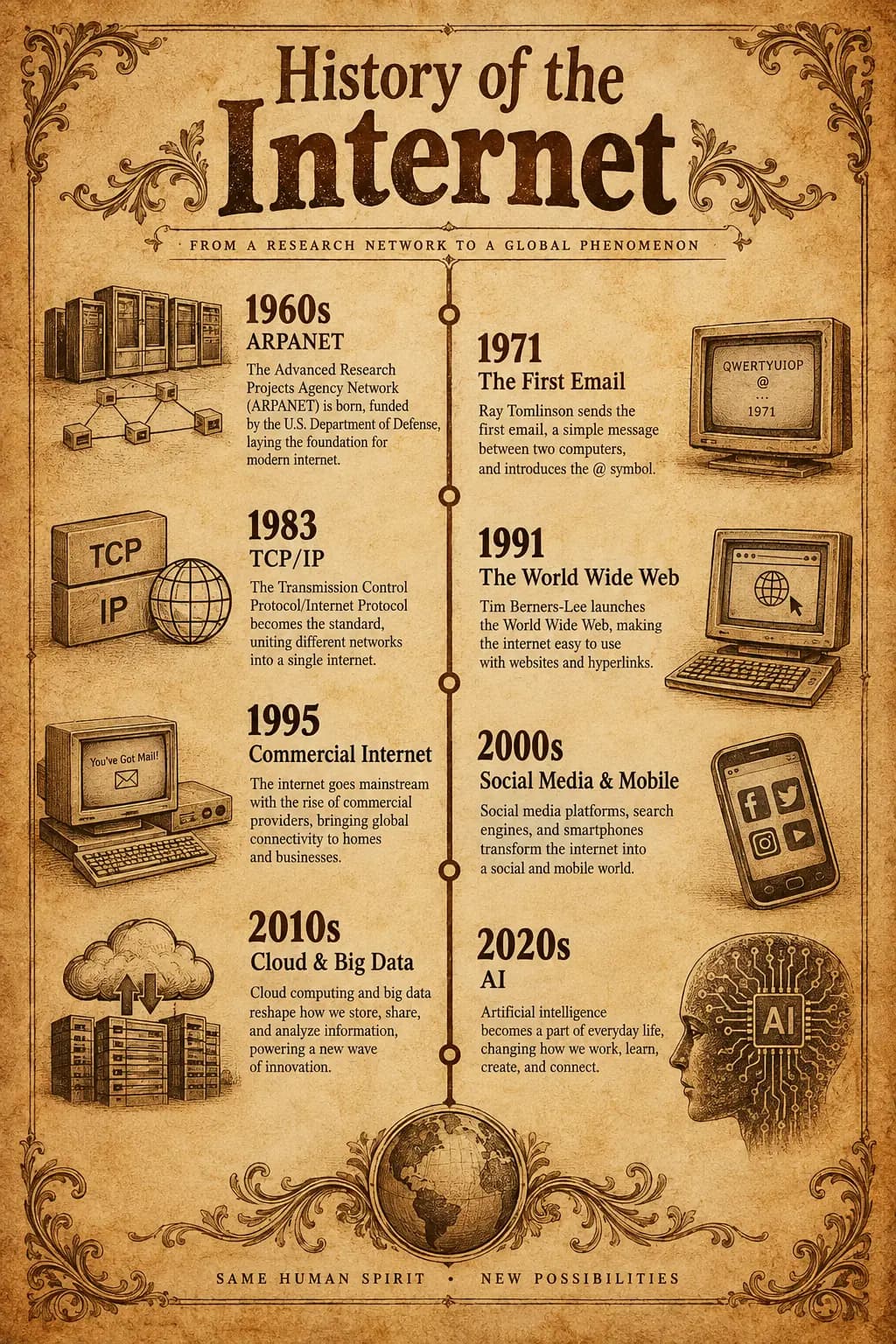
History of the internet · Vintage · 2:3
Vertical timeline infographic: a short history of the internet. 1969 first ARPANET message, 1983 TCP/IP adopted, 1991 the World Wide Web goes public, 1998 Google founded, 2007 first iPhone, 2022 generative AI reaches the mainstream. One line of explanation per event.
Open in the generator →Project roadmap · Corporate · 16:9
Horizontal timeline for a 6-month product roadmap. January research, February prototype, March user testing, April build, May beta, June launch. Show a milestone marker for each month and a short deliverable under it.
Open in the generator →My career so far · Gradient · 2:3
Personal career timeline for a designer: 2016 graduated in graphic design, 2017 first agency job, 2019 moved to product design, 2021 became team lead, 2024 started freelancing. Friendly style, one small icon per step.
Open in the generator →
How it works
- 1
List your events
One line per event, with a date and a few words. Add a title such as “History of the internet”.
- 2
Choose the direction
Mention vertical or horizontal in the description and choose a matching shape: tall for vertical, wide for horizontal.
- 3
Generate and check the dates
Make sure every date and name is right in the image. If one is wrong, fix the line in your description and generate again.
Related templates
Ready-made starting points that fit this kind of infographic.
Questions
Can I make a horizontal timeline?
Yes. Say “horizontal” or “left to right” in your description and pick a wide shape such as 16:9 so the line has room to run.
How many events fit?
Six to ten read well on one page. More are possible, but the labels get small, so consider splitting a long history into several timelines.
Does it check my dates?
No. It draws what you write, so the dates are only as correct as your input. Check them against a reliable source, and check the image once more after it is generated.
Can I get a timeline for a school project?
Yes. Pick a clear style, list the events with dates and add a title. Teachers and students use it for history, science and book timelines.
See the content license and pricing.
Keep reading
Make your first one now
Describe the topic, pick a style and download the result.
Start creatingSecure checkout by Waffo · Cancel any time · Failed generations are refunded