

Turn Handwritten Notes Into an Infographic
Take a photo of your handwritten notes, a mind map you drew or a whiteboard, and the AI reads it and redesigns it as a one-page infographic. It keeps your words, your order and your numbers, and takes care of the layout, icons and colours. There is nothing to retype and no editor to learn.
JPG, PNG or WebP. Free to try, no sign-up, no watermark.
Starts in the Minimal style at 2:3. A tall 2:3 page suits one page of notes. Choose 16:9 for a slide or 1:1 for a social post.
From a photo of notes to a finished page
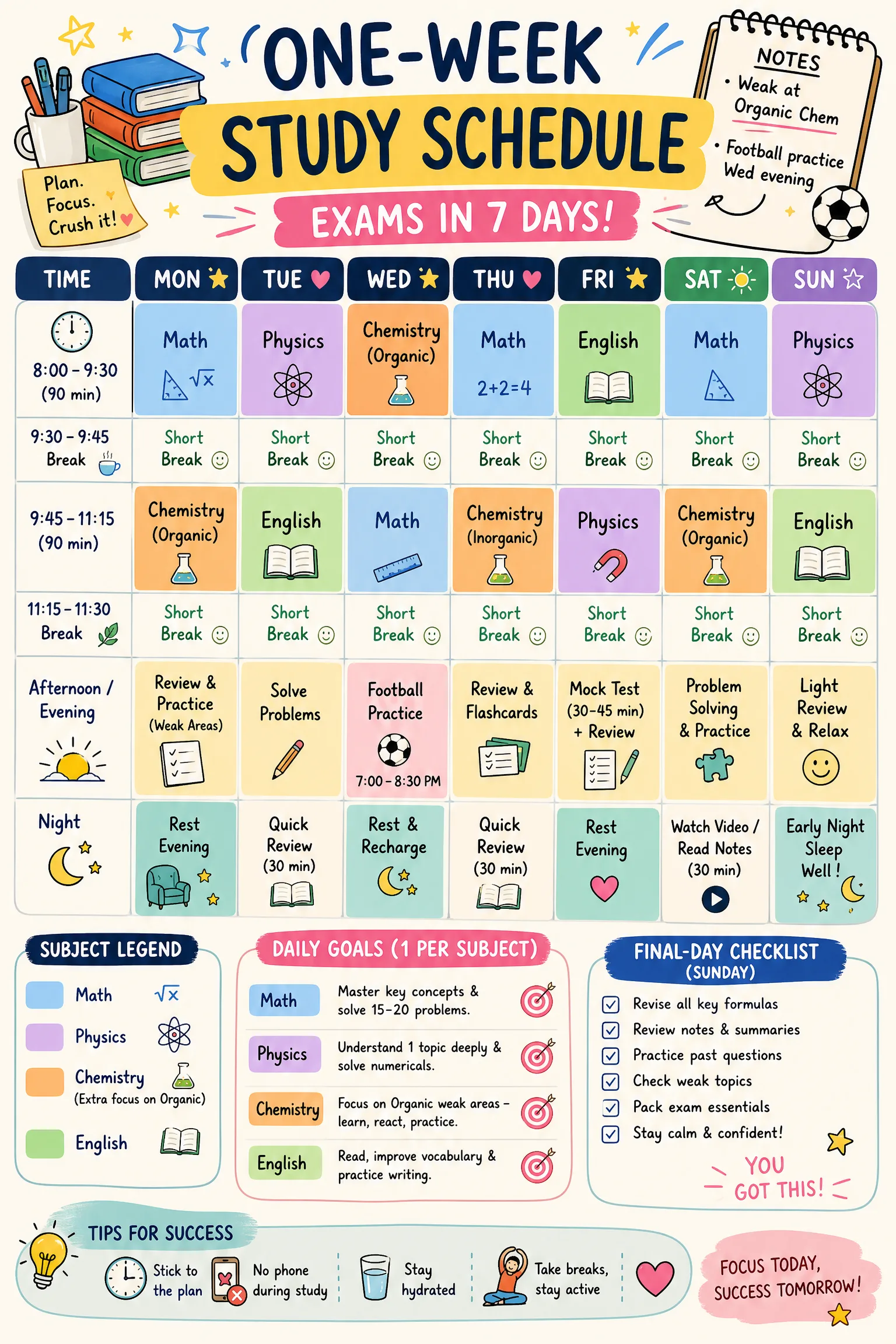
A handwritten checklist
Six lines in blue pen, redesigned in the Minimal style. Every time and every word is kept, with an icon added to each step.
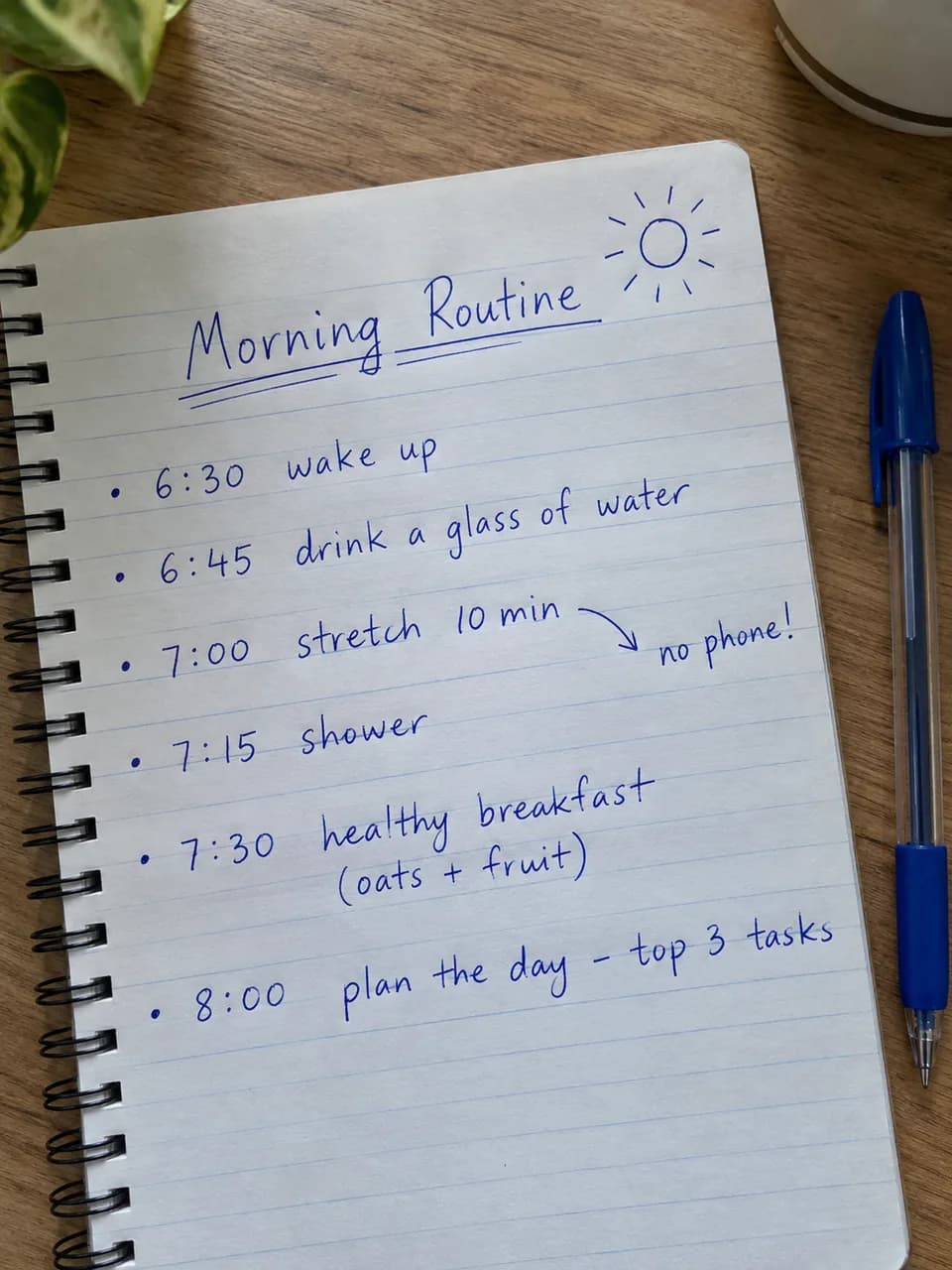
Photo of the notes 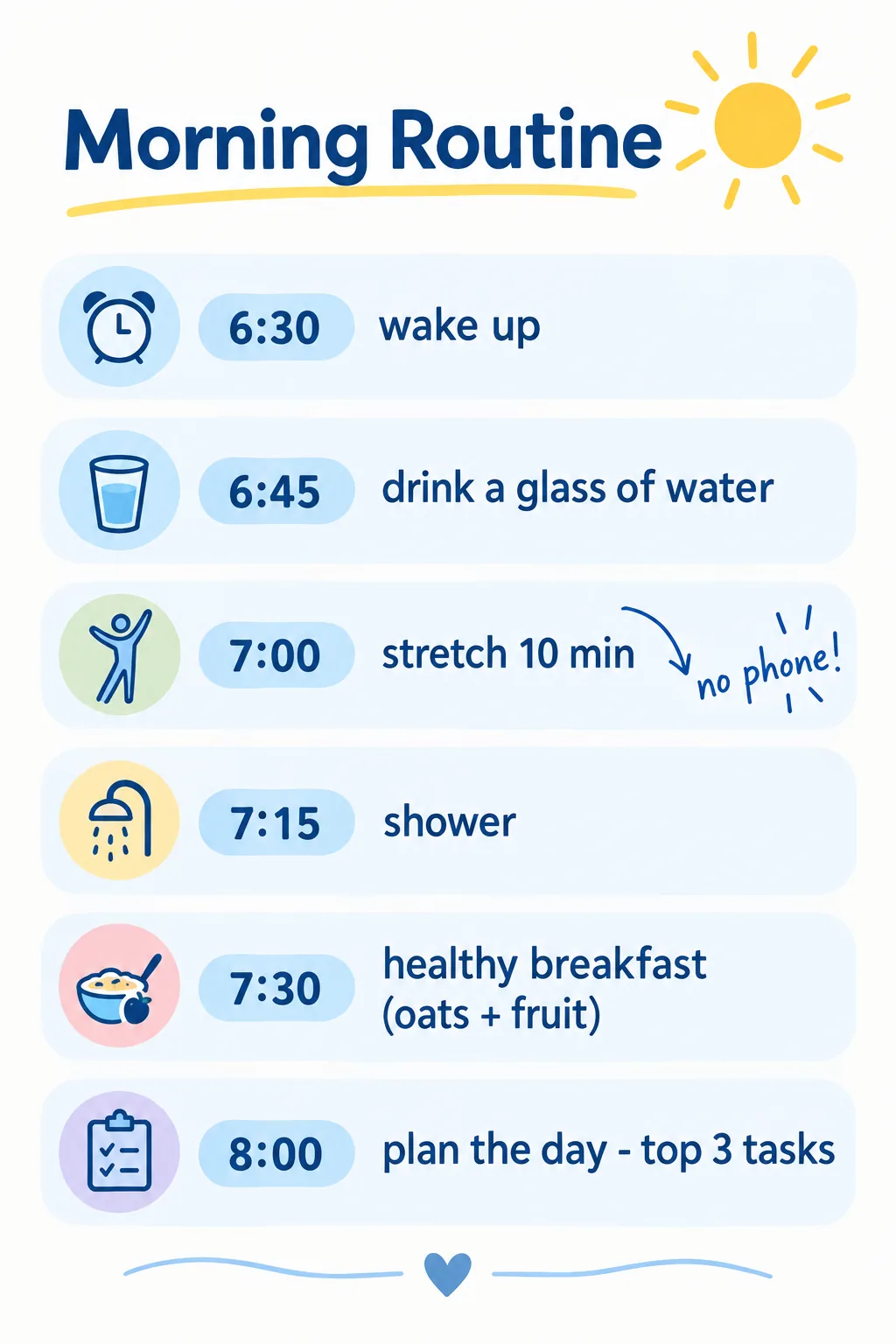
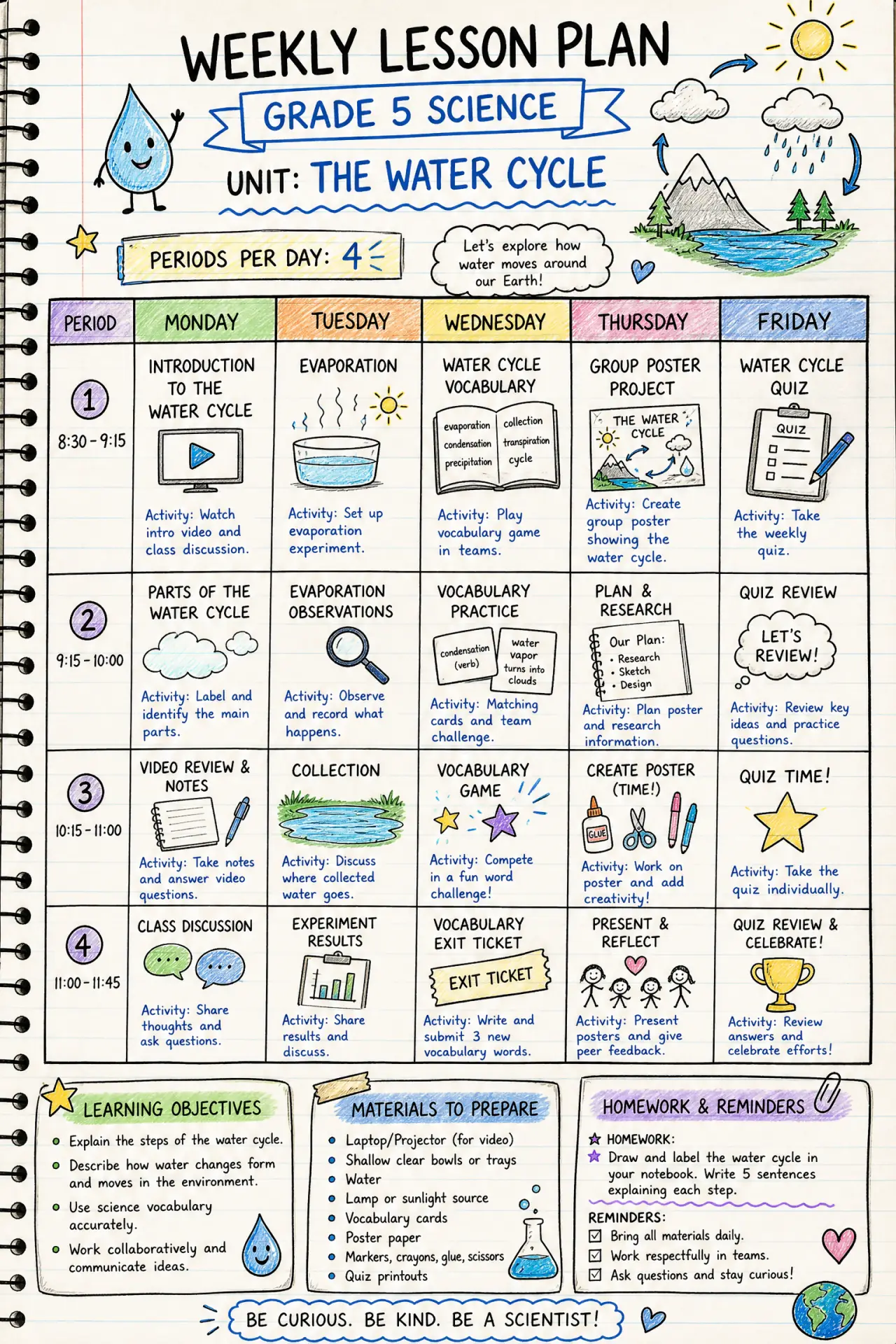
The infographic A hand-drawn mind map
Four branches around one idea, redesigned in the Playful style. The structure stays the same; the layout, colours and illustrations are new.
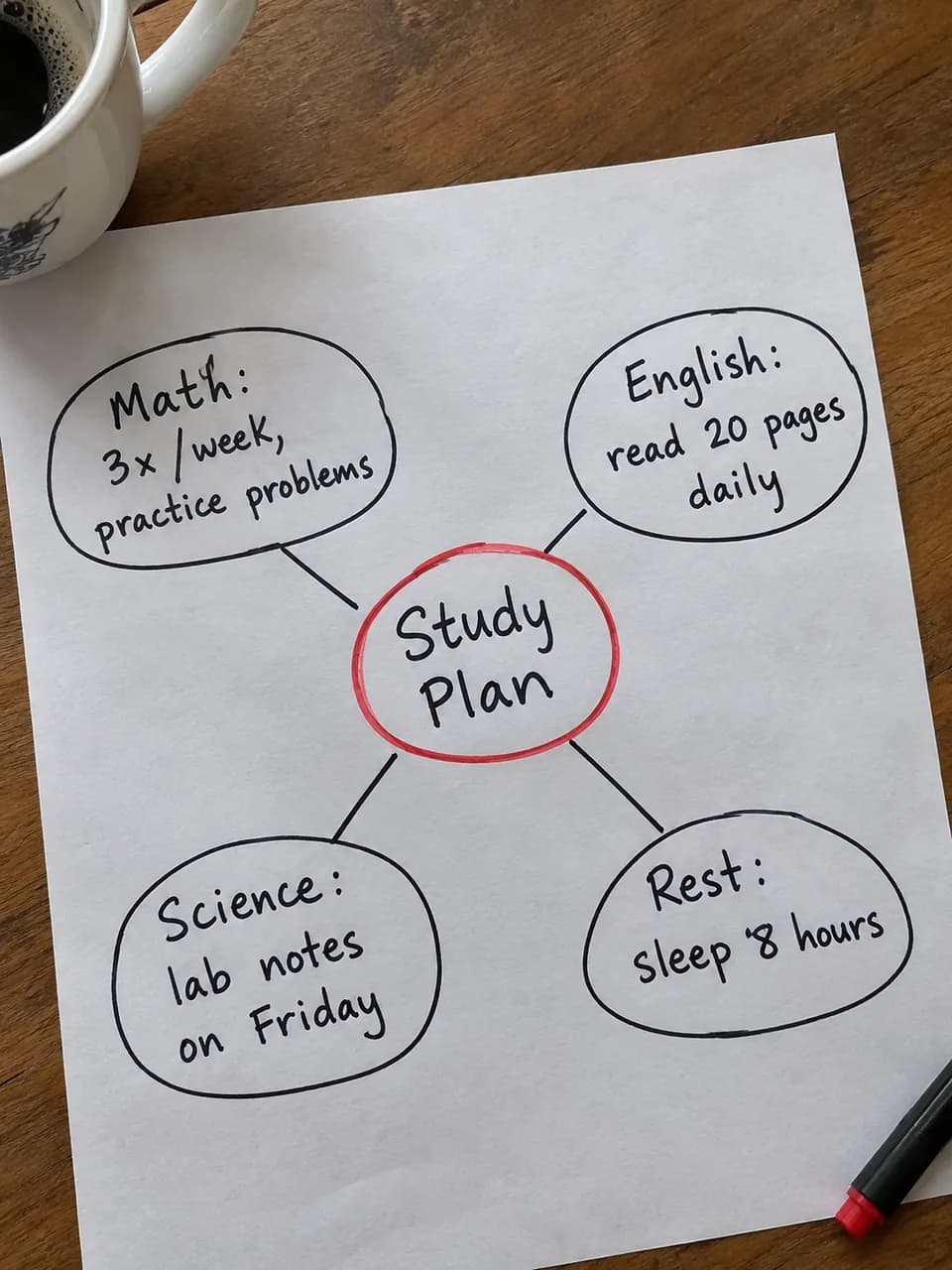
Photo of the notes 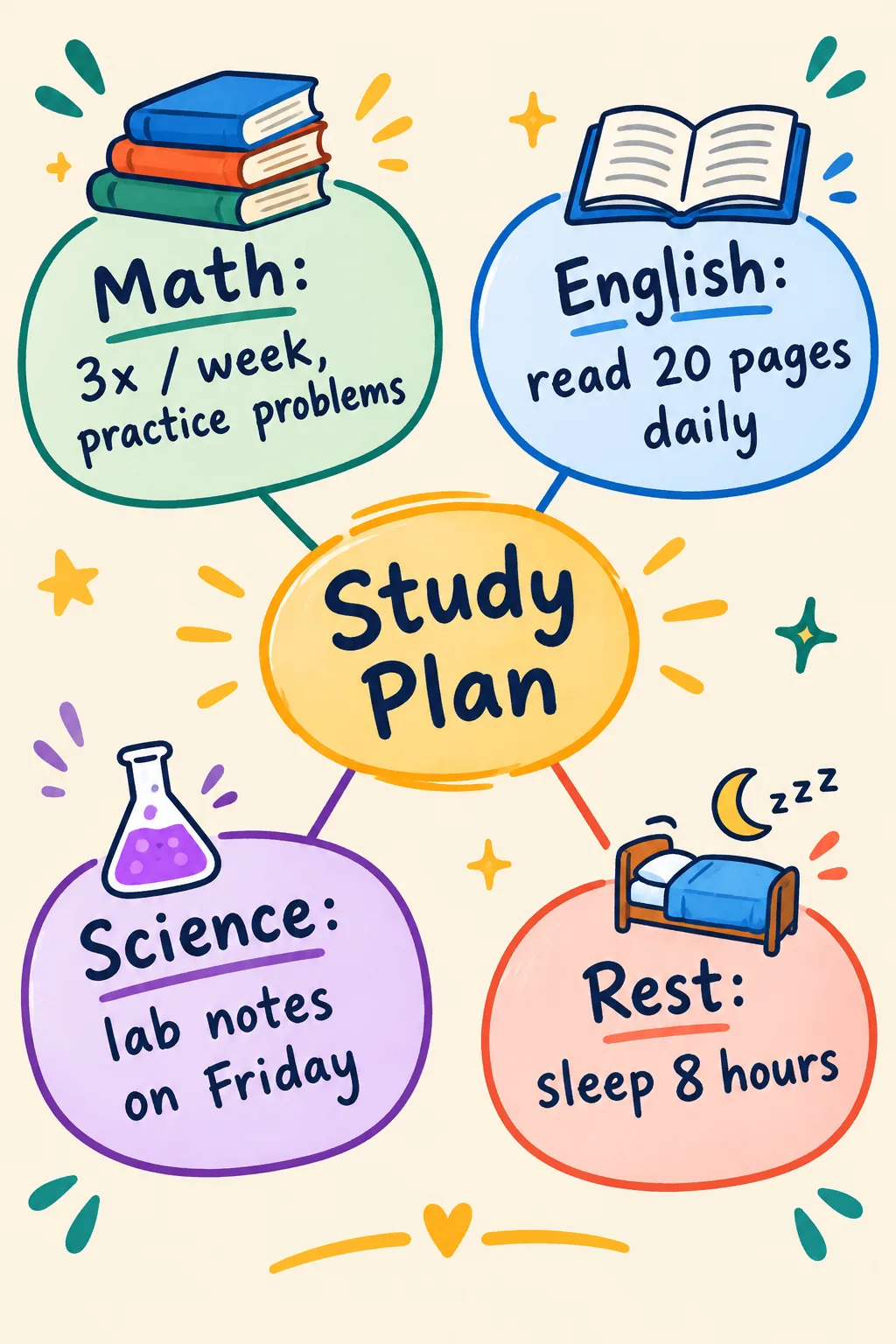
The infographic
Both examples were made with this tool. The notes photos were created with AI to stand in for real handwriting. Results on your own notes depend on how clear the writing and the photo are.
How to photograph your notes so the AI reads them well
Flat, straight and fully in view
Lay the page on a table and shoot from straight above so the lines are not slanted. Keep every edge of the page in the frame, and leave your desk and hands out of it where you can.
Light the writing, not the shadows
Daylight or a lamp from the side works best. Dark ink on plain light paper is the easiest to read; pale pencil or a glare across the page makes words get skipped or guessed.
One page per photo, clear numbers
A single page gives the AI room to lay it out well. If a figure or date matters, write it clearly and check it in the result, because very messy handwriting can still be misread.
Three lines you can add
The line under your photo is optional. Each one opens the photo uploader with the style, shape and line filled in; add your photo and press Generate.
Turn lecture notes into a study guide · Playful · 2:3
Turn these lecture notes into a one-page study guide. Keep my headings in the same order and make the key terms stand out so I can revise from it.
Use this line with my photo →Tidy meeting notes into next steps · Corporate · 2:3
Group these meeting notes into decisions, owners and next steps. Keep every name, date and number exactly as I wrote it, and put the next steps at the bottom.
Use this line with my photo →Redraw a mind map as a slide · Minimal · 16:9
Redraw my mind map as a clean slide with the central idea in the middle and one colour for each branch. Keep my wording and do not add anything new.
Use this line with my photo →
How it works
- 1
Upload a photo
Choose a picture of your notes or sketch, or drop it onto the page. It is resized in your browser first, which also strips the location data from the file.
- 2
Pick a style, add a line if you like
Minimal is a calm default for notes. You can type one optional line, such as make it a study guide, or leave the box empty and let the AI follow your page.
- 3
Generate, compare and download
It takes a minute or two. Read the text against your original, then download the PNG. To change something, adjust the style or your line and generate again.
Related templates
Ready-made starting points that fit this kind of infographic.

Questions
Can the AI read messy handwriting?
It reads most clear handwriting well and keeps your names and numbers as written. Very messy writing, faint pencil or cramped small notes can be misread, so compare the result with your original before you share it. A sharper, better lit photo is the easiest fix.
Does it work with sketches, mind maps and whiteboards?
Yes. The AI follows the structure it can see, so boxes, arrows, numbered steps and branches become sections and connectors in the new layout. Printed pages and whiteboard photos work as well.
Will it change what I wrote?
It keeps your wording and numbers and only fixes obvious spelling slips. It is told not to add facts that are not on your page. If you want it shorter or translated, say so in the optional line.
What happens to my photo?
Your photo is only used to make that infographic. It is stored privately, never shown on the site, and deleted from our servers within 24 hours. Avoid photographing pages with passwords, ID numbers or other sensitive details.
Which photo formats work?
JPG, PNG and WebP. Large phone photos are resized in your browser before they are uploaded, so you do not need to shrink them yourself. If your phone saves HEIC and the upload fails, export the picture as a JPG first.
Does a photo cost more than a text description?
No. It uses one credit, the same as a text description, and you get 3 free generations to try it with no sign-up.
See the content license and pricing.
Keep reading
Make your first one now
Upload a photo of your notes, pick a style and download the result.
Upload a photoSecure checkout by Waffo · Cancel any time · Failed generations are refunded