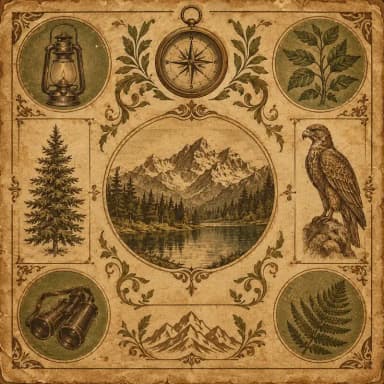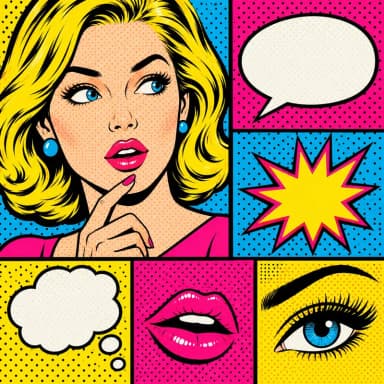
Elegant Infographics
Luxury design, gold accents
Cream backgrounds with gold accents and serif typography. Ideal for premium brands, luxury product comparisons, and high-end market reports. Refined borders and ornamental details.
Create Elegant Infographic — FreeDesign Principles of the Elegant Style
Best For
- Luxury brand reports and premium product comparisons
- Real estate market analyses for high-net-worth properties
- Wine, spirits, and fine dining industry content
- High-end event programs, wedding infographics, and hospitality materials
Not Ideal For
- Technology or startup content where modernity is the key message
- Budget-focused or price-comparison content where luxury signals conflict with value messaging
- Fast-paced social media platforms like TikTok where ornamental details reduce at small sizes
Color Psychology
Cream and gold together trigger associations with quality, exclusivity, and heritage — they are the colors of certificates, invitations, and luxury packaging. This palette works subconsciously: consumers associate warm metallic tones with higher perceived value. A Journal of Consumer Research study found that gold-accented packaging increased willingness to pay by 8-12% compared to identical products in standard packaging.
Typography Guide
Serif typefaces are non-negotiable in the elegant style. Use a display serif (Playfair Display, Cormorant Garamond) for headlines at 32-48px and a text serif (Merriweather, Lora) for body content. The contrast between thick and thin strokes in these fonts mimics the calligraphic tradition that conveys craftsmanship. Pair with small-caps for labels and categories to add refinement without clutter.
Elegant vs. Vintage: Which Should You Choose?
Both elegant and vintage use warm tones and ornamental details, but they evoke different eras and audiences. Elegant references contemporary luxury (think Rolex or Chanel advertisements) with clean lines and restrained gold accents. Vintage recreates a nostalgic past (Victorian, Art Deco, retro Americana) with aged textures and period-specific illustrations. Choose elegant for premium current-day brands; choose vintage for heritage storytelling and nostalgia-driven content.
 Explore Vintage Style
Elegant Templates
Ready-to-use templates in the Elegant style. Click to customize and generate.
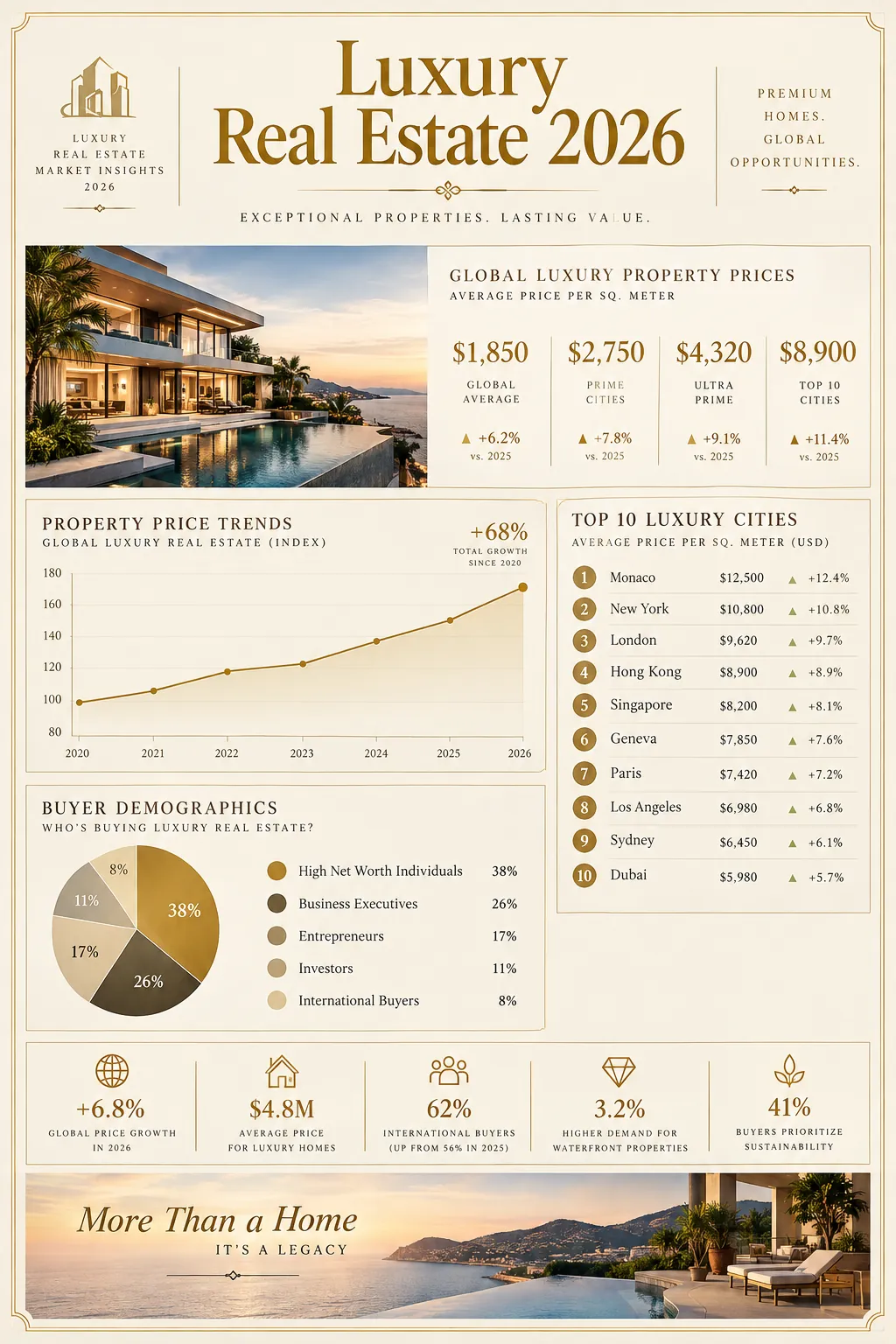
Luxury Real Estate Market
Premium market overview with gold accents. Housing trends, price analysis, and investment opportunities.
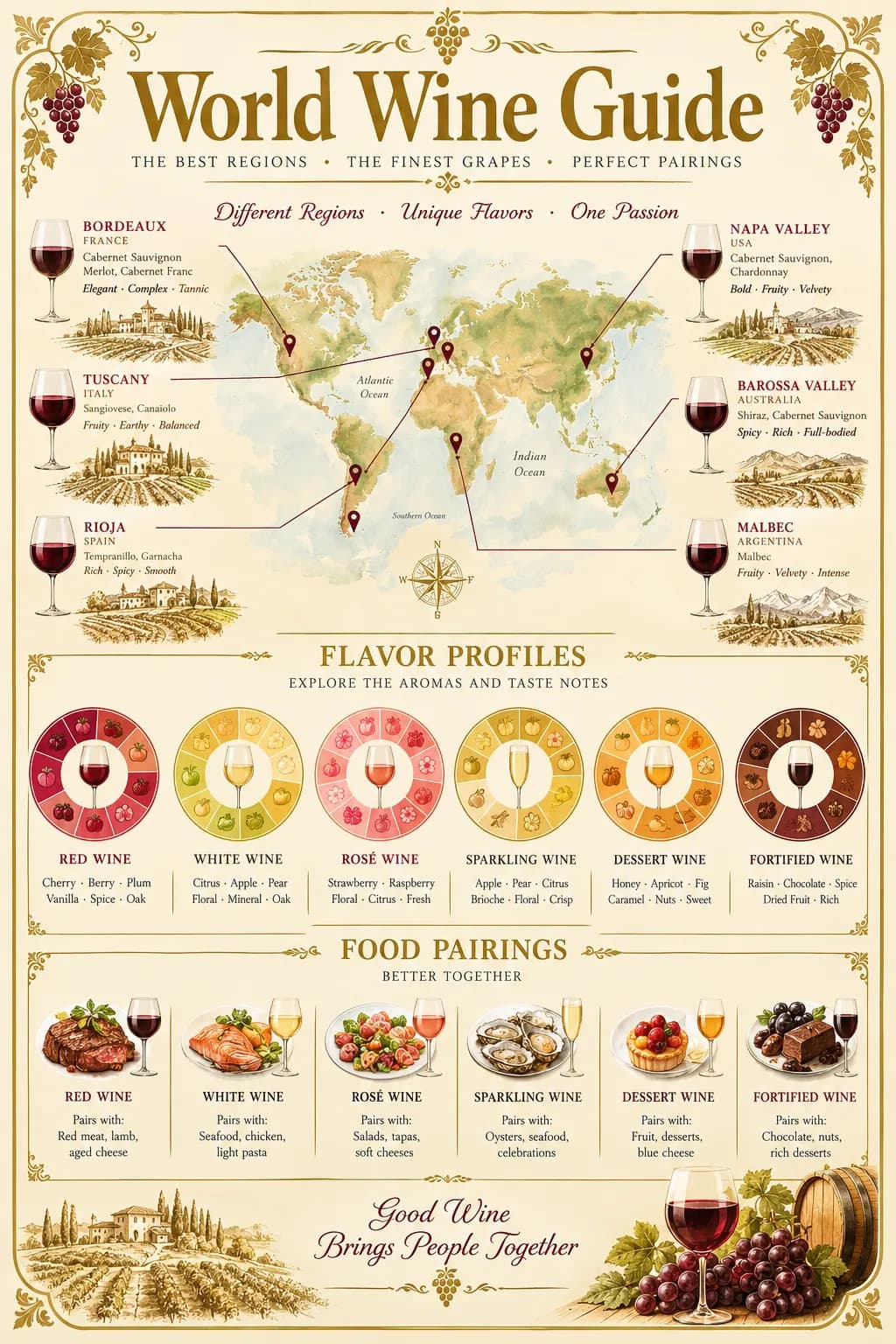
Wine Region Guide
Sophisticated wine region comparison with tasting notes, varietals, and pairing recommendations.
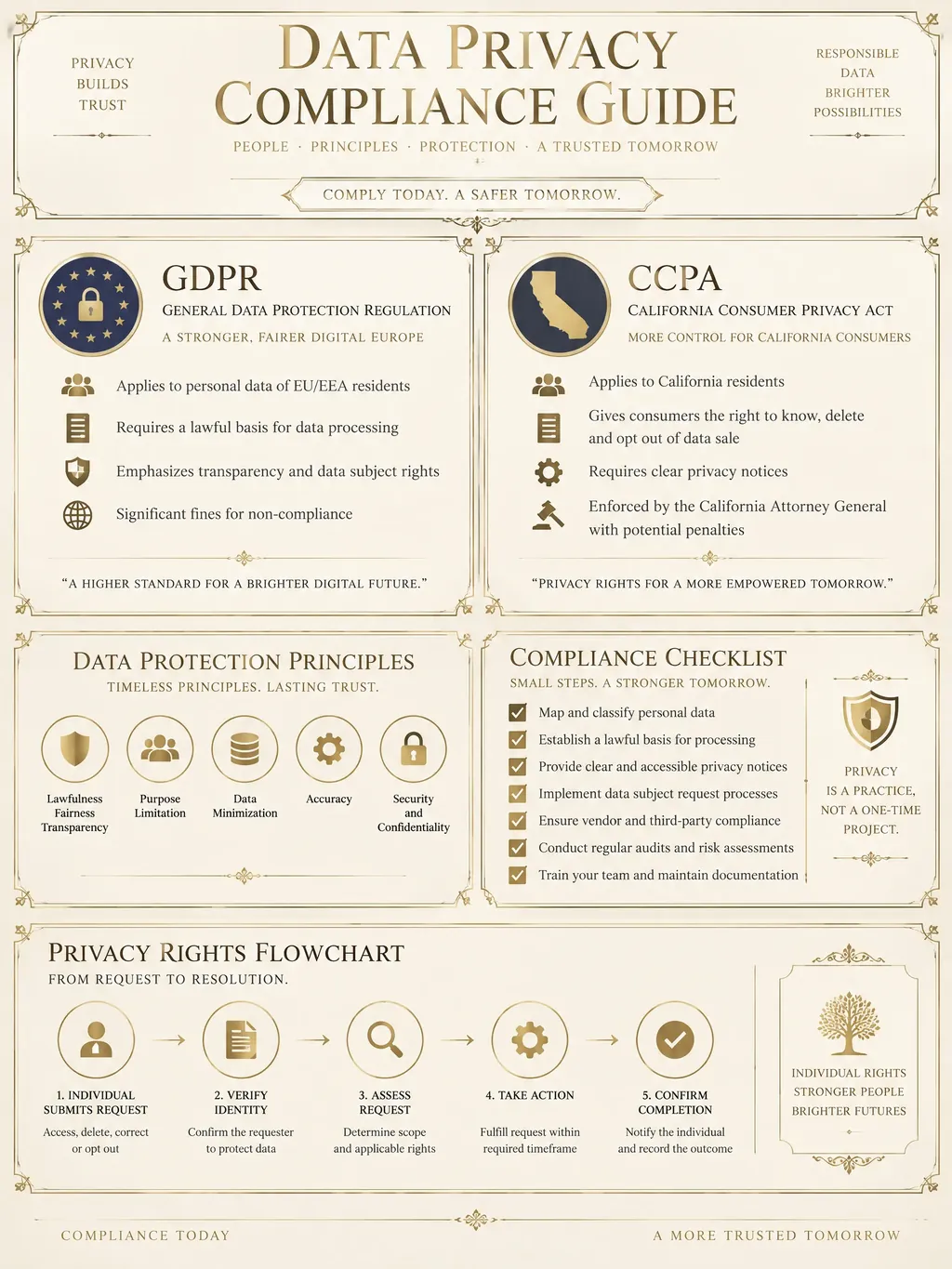
Data Privacy & Compliance Guide
Comprehensive data privacy compliance infographic covering GDPR, CCPA, and emerging regulations. Ideal for legal teams, DPOs, and compliance officers needing a clear visual reference for global privacy requirements.
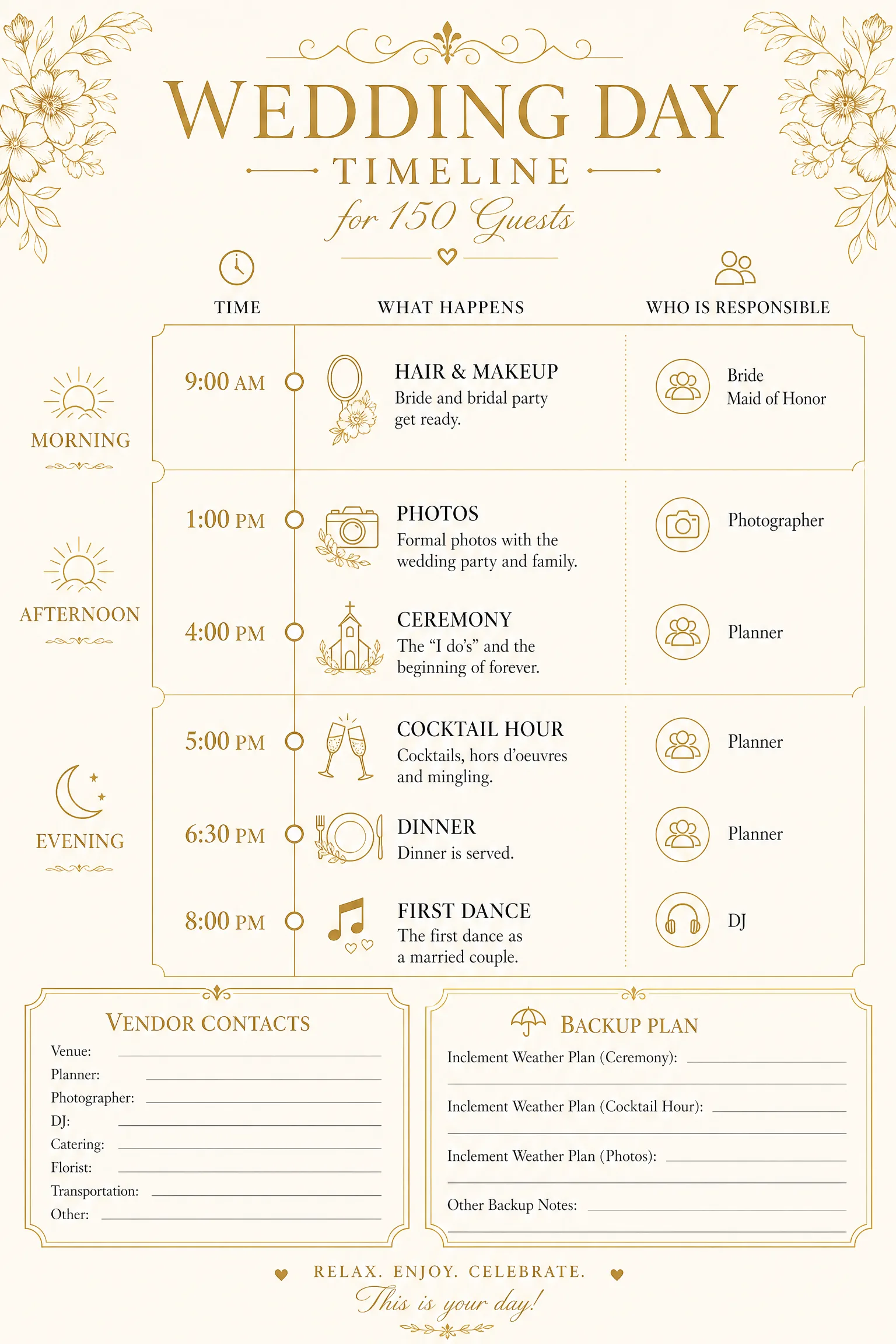
Event Day Timeline
An hour-by-hour timeline with who is responsible for each step, plus vendor contacts. Print it blank, or let AI build it from your key times.
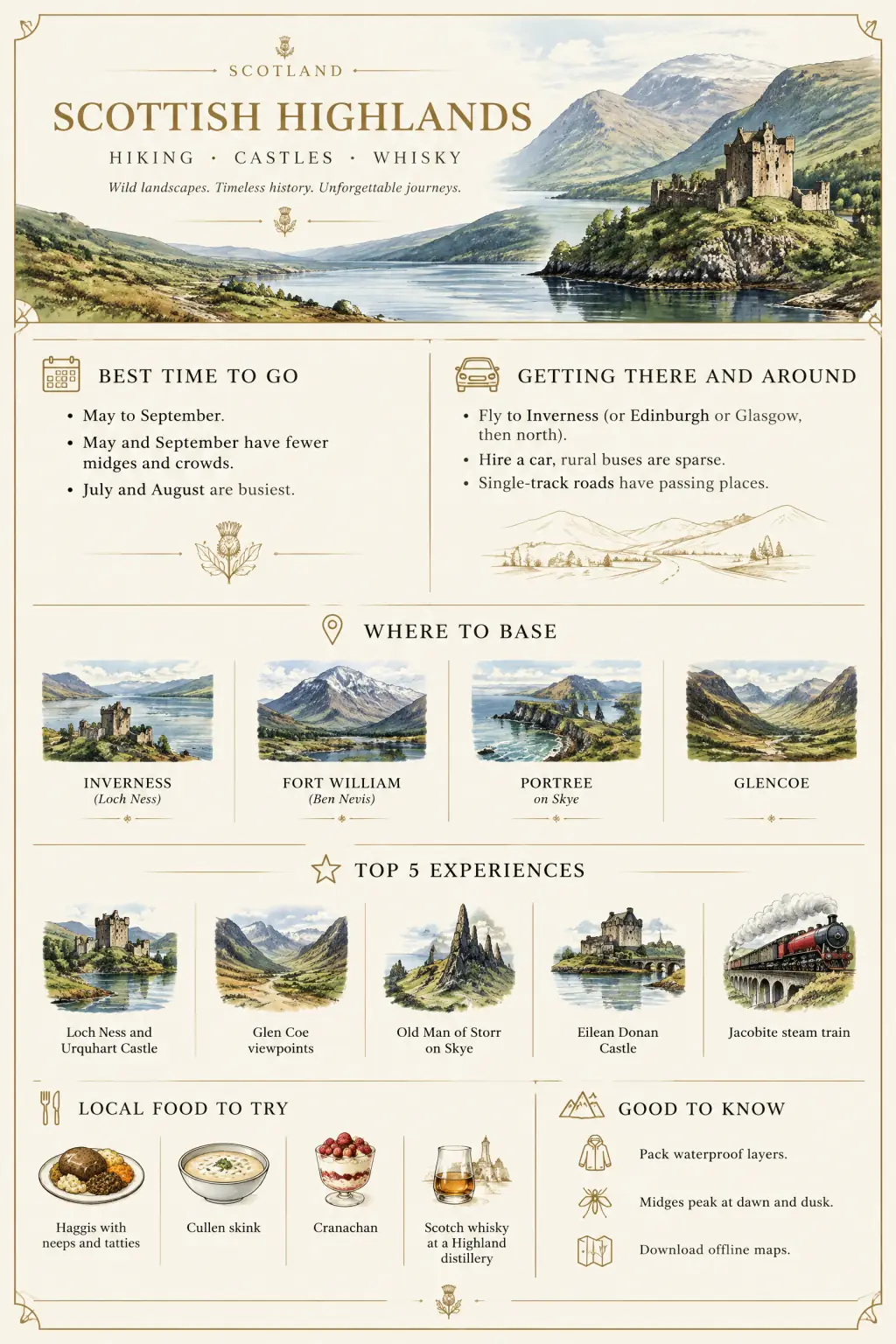
Destination Guide One-Pager
Research any destination on one page: best time to go, getting around, where to base and what to eat. Print it blank or let AI write your guide.
Frequently Asked Questions
Is the elegant style only for luxury brands?
How do I make gold accents look sophisticated rather than garish?
Create Your Elegant Infographic
Describe any topic, and AI generates a polished Elegant infographic in seconds. No design skills required.
Start Creating — Free