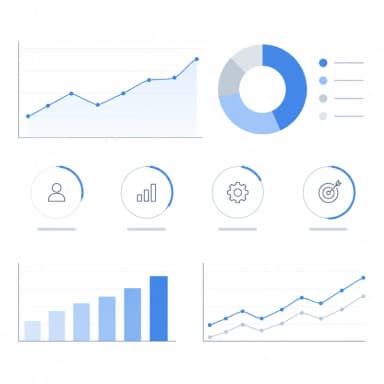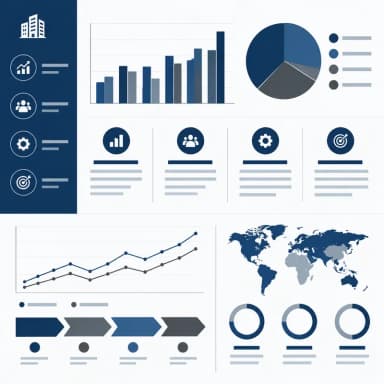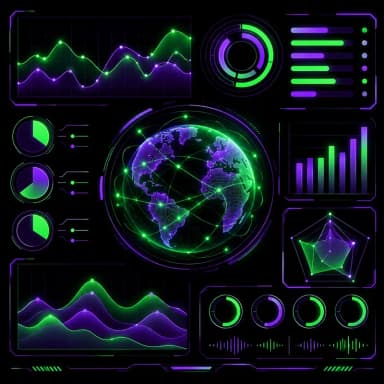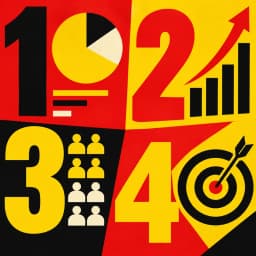
Bold Infographics
High impact, strong colors
Thick geometric shapes with vivid red and yellow. Grabs attention instantly — perfect for social media, campaign visuals, and key statistics that need to stop the scroll.
Create Bold Infographic — FreeDesign Principles of the Bold Style
Best For
- Social media content designed to stop the scroll (Instagram, LinkedIn, X)
- Statistics and data points that need to be memorable and shareable
- Campaign launches, event promotions, and time-sensitive announcements
- Infographics embedded in presentations to energize a room
Not Ideal For
- Detailed financial reports where subtlety and nuance are valued
- Healthcare or legal content where bold visuals may feel inappropriately aggressive
- Contexts where the infographic will be printed at small sizes (business cards, letterheads)
Color Psychology
Red and yellow are the most attention-grabbing colors in the visible spectrum — red triggers urgency and importance (used by CNN, YouTube, and Netflix), while yellow signals optimism and energy (used by Snapchat and McDonald's). Combined with black for contrast, this palette creates the highest visual impact. Studies show that red elements receive 21% more clicks in A/B tests compared to blue or green alternatives.
Typography Guide
Bold, extended sans-serif fonts (Impact, Oswald, Bebas Neue) dominate the bold style. Use all-caps for headlines and key metrics to maximize visual weight. Numbers should be the largest elements on the page — in bold infographics, data is the decoration. Avoid light or thin fonts entirely; they disappear against the high-contrast backgrounds.
Bold vs. Pop Art: Which Should You Choose?
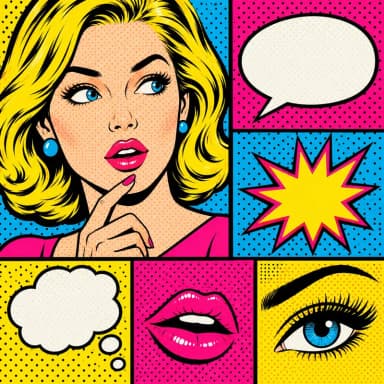
Both bold and pop art use vivid saturated colors, but they serve different purposes. Bold is functional: it uses color contrast to prioritize information hierarchy and ensure key data points are unmissable. Pop art is cultural: it uses comic-style halftone dots, speech bubbles, and Warhol-inspired aesthetics for entertainment and creative expression. Choose bold for data-driven content that needs impact; choose pop art for entertainment, music, and culture topics.
 Explore Pop Art Style
Bold Templates
Ready-to-use templates in the Bold style. Click to customize and generate.
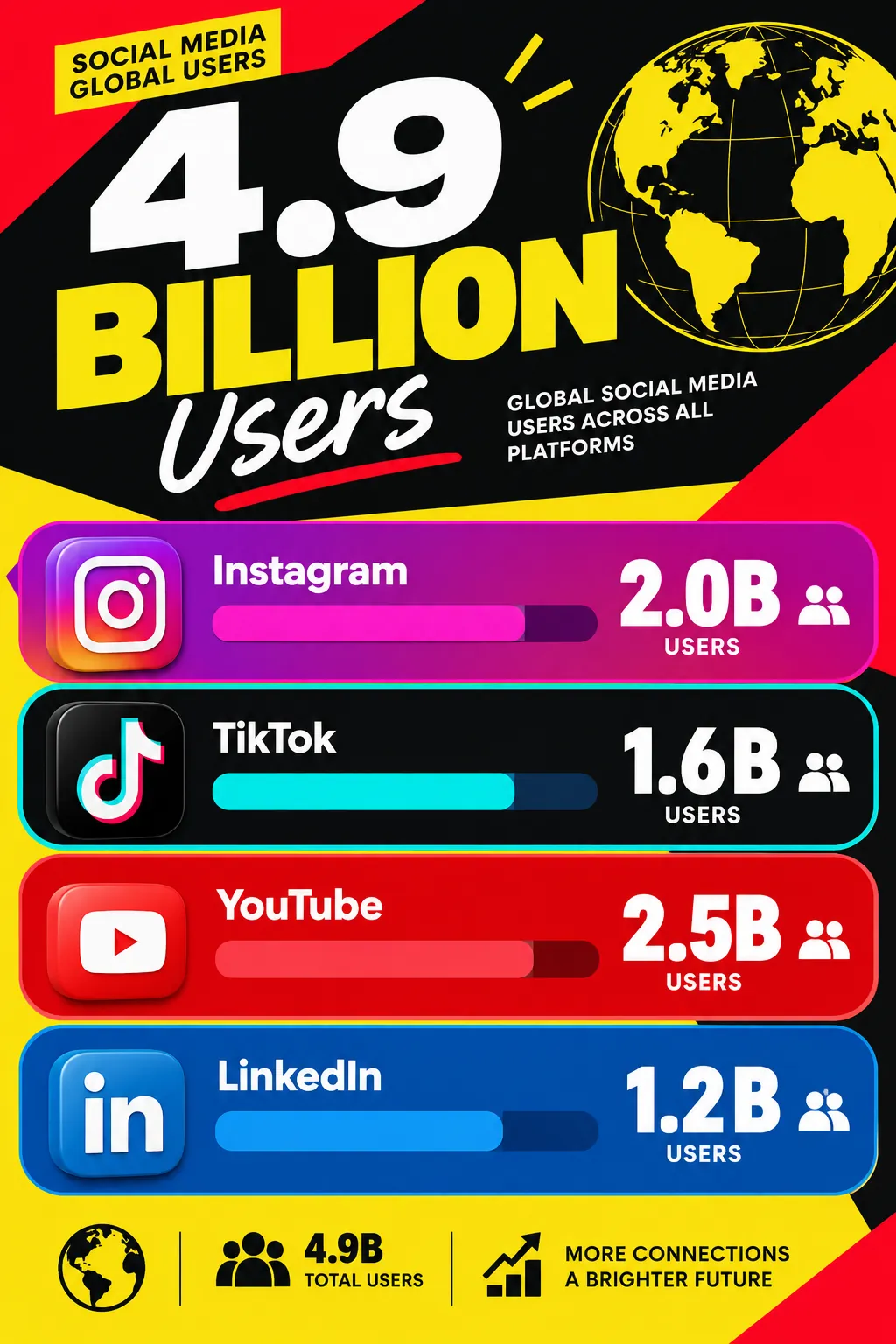
Social Media Statistics
Eye-catching social media performance overview. Bold numbers and vibrant colors that stop the scroll.
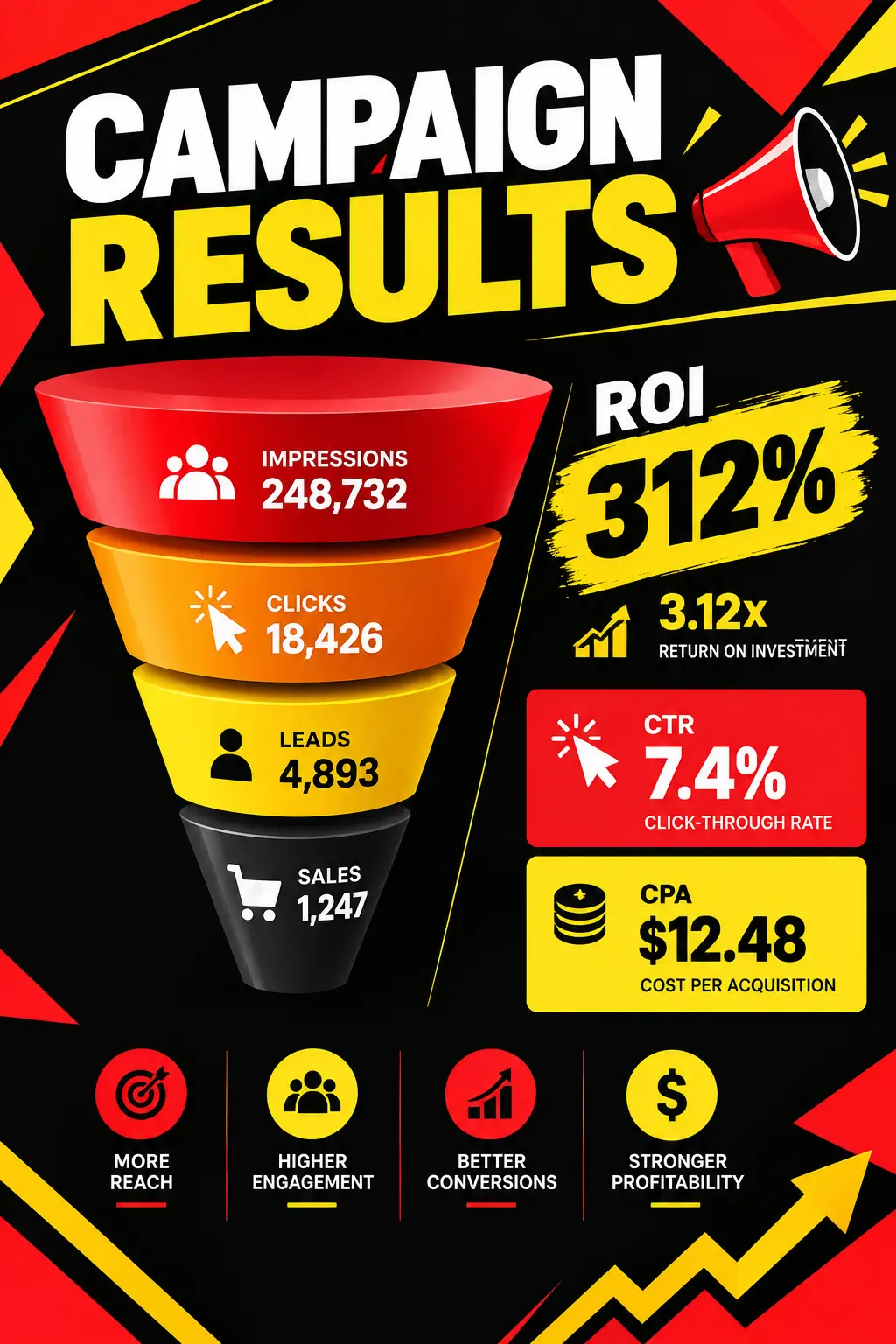
Campaign Results Recap
High-impact campaign performance summary. Conversion rates, ROI, and key takeaways in a share-ready format.
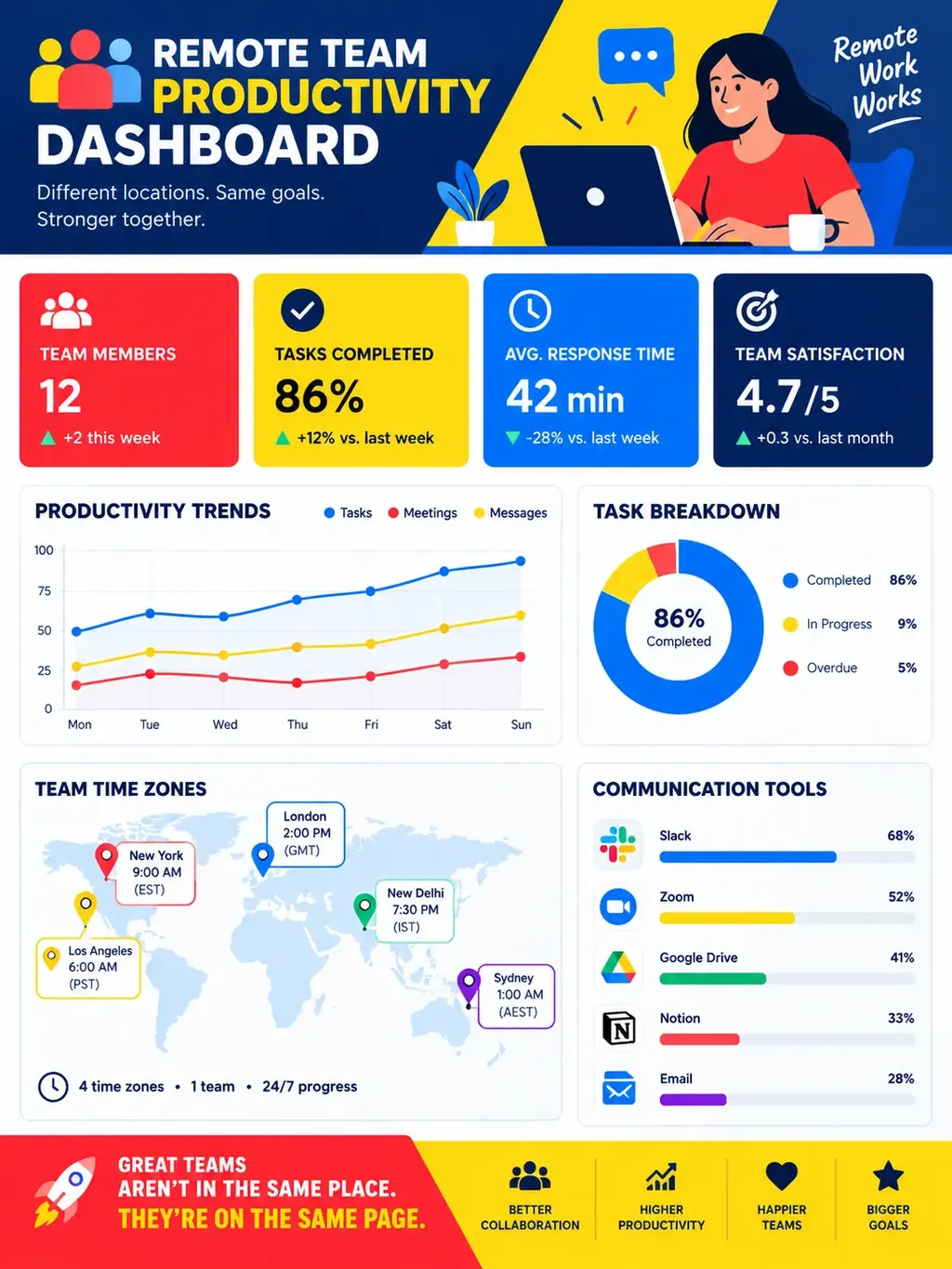
Remote Team Productivity Dashboard
High-impact productivity metrics for distributed teams. Collaboration tool usage, time zone coverage, async vs. sync communication balance, and output tracking in a bold, attention-grabbing layout.
Frequently Asked Questions
Will a bold infographic look unprofessional in a business context?
How do I prevent a bold infographic from feeling overwhelming?
Create Your Bold Infographic
Describe any topic, and AI generates a polished Bold infographic in seconds. No design skills required.
Start Creating — Free