Glass Infographics
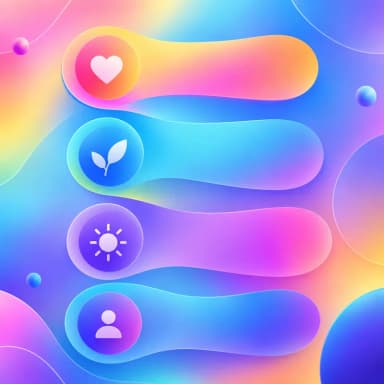
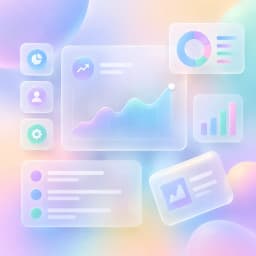
Frosted glass panels
Semi-transparent frosted glass panels floating on soft gradient backgrounds. A trendy, modern look perfect for app showcases, SaaS features, and contemporary design topics.
Create Glass Infographic — FreeDesign Principles of the Glass Style
Best For
- SaaS product feature showcases and pricing pages
- Modern technology and startup content
- App UI demonstrations and software documentation
- Contemporary design portfolios and creative agency materials
Not Ideal For
- Data-dense content with many small numbers (the blur effect can reduce readability of fine details)
- Traditional industries (law, insurance, government) where the trendy aesthetic may undermine credibility
- Print materials (the translucency and blur effects require screen display to work properly)
Color Psychology
Glassmorphism communicates modernity, transparency (literally and figuratively), and technological sophistication. The style emerged from Apple's iOS design language and was quickly adopted by SaaS companies to signal that their products are cutting-edge. The layered transparency creates a sense of depth and dimension that feels more premium than flat design while avoiding the heaviness of skeuomorphic design.
Typography Guide
Use a modern, geometric sans-serif font (Inter, SF Pro Display, Plus Jakarta Sans) that matches the contemporary aesthetic. Text on glass panels needs higher contrast than usual — use white text with a very subtle text shadow (0 1px 2px rgba(0,0,0,0.3)) to ensure readability over blurred backgrounds. Avoid thin/light font weights on glass panels as they become hard to read against the variable background.
Glass vs. Gradient: Which Should You Choose?
Both use colorful backgrounds, but glassmorphism adds a layer of sophistication through the frosted-panel effect. Gradient is direct and energetic — vivid colors are the primary visual element. Glassmorphism is layered and dimensional — the glass panels create depth and organize content spatially. Choose glassmorphism for product-focused content where organization matters; choose gradient for attention-grabbing social media content where energy matters.
 Explore Gradient Style
Glass Templates
Ready-to-use templates in the Glass style. Click to customize and generate.
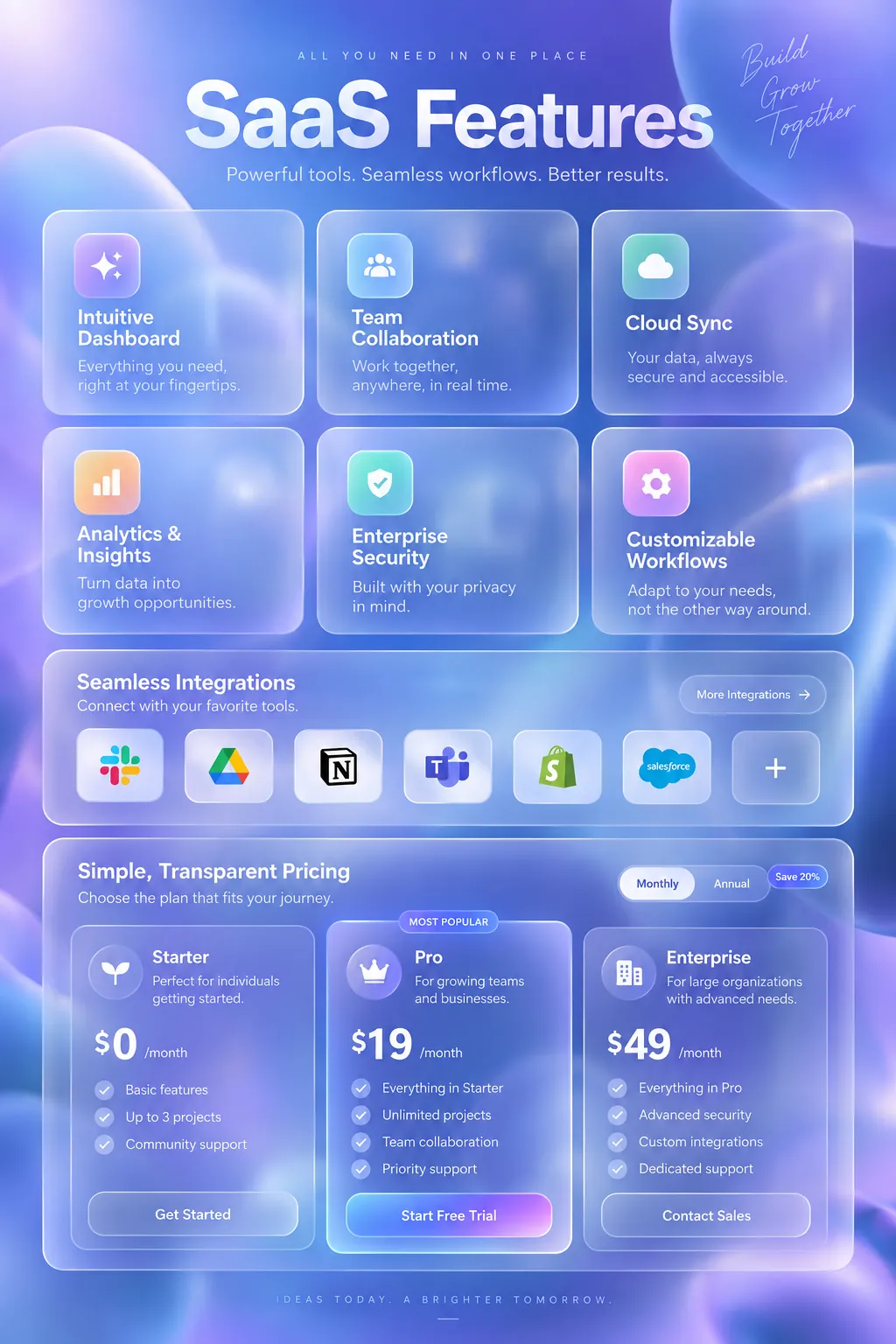
SaaS Product Features
Modern frosted-glass UI showcase. Feature highlights, integrations, and pricing for SaaS products.
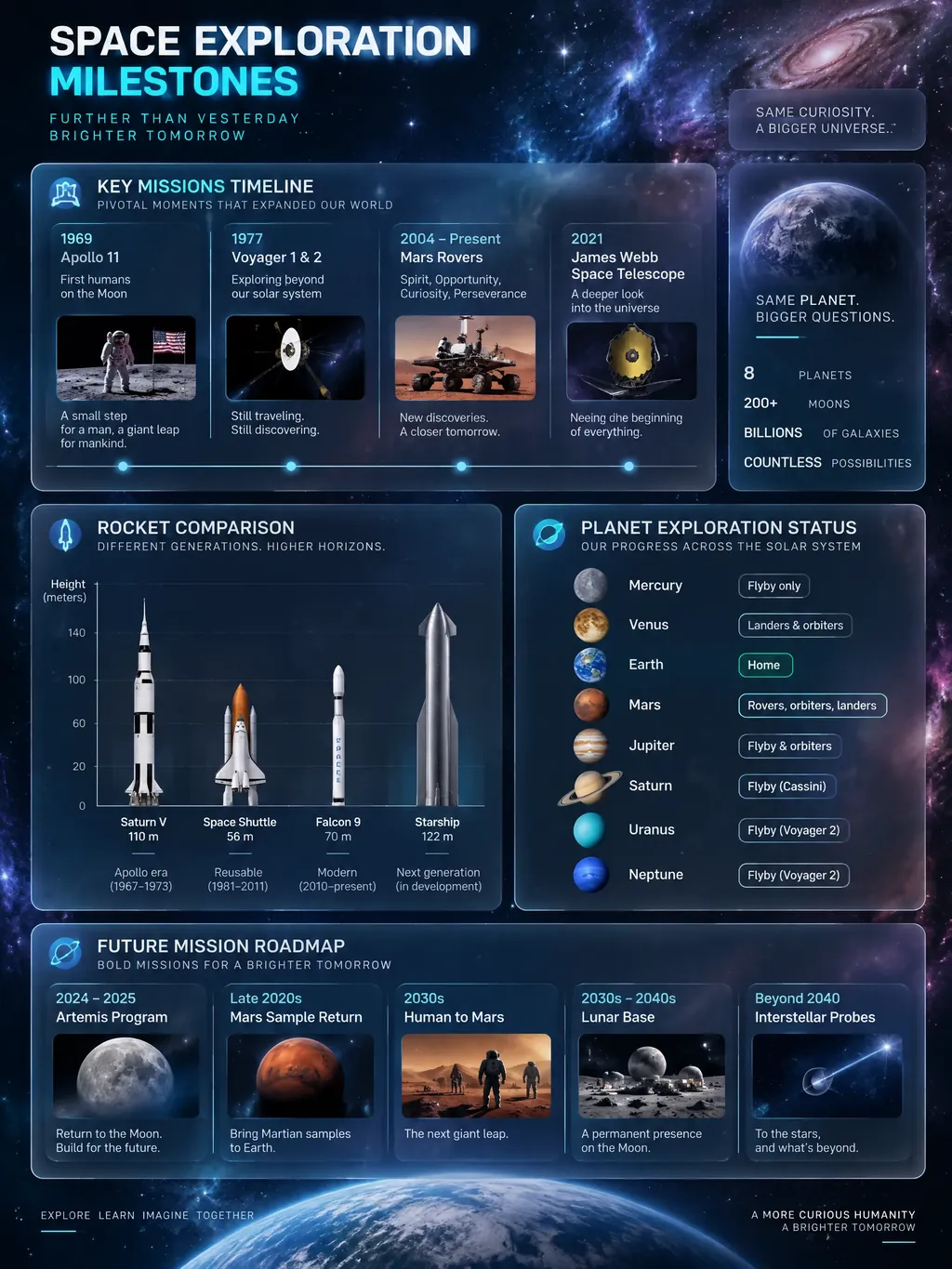
Space Exploration Milestones
Modern frosted-glass visualization of humanity's greatest space achievements. Key missions, rocket comparisons, planetary exploration status, and upcoming missions — perfect for science educators, astronomy enthusiasts, and STEM content creators.
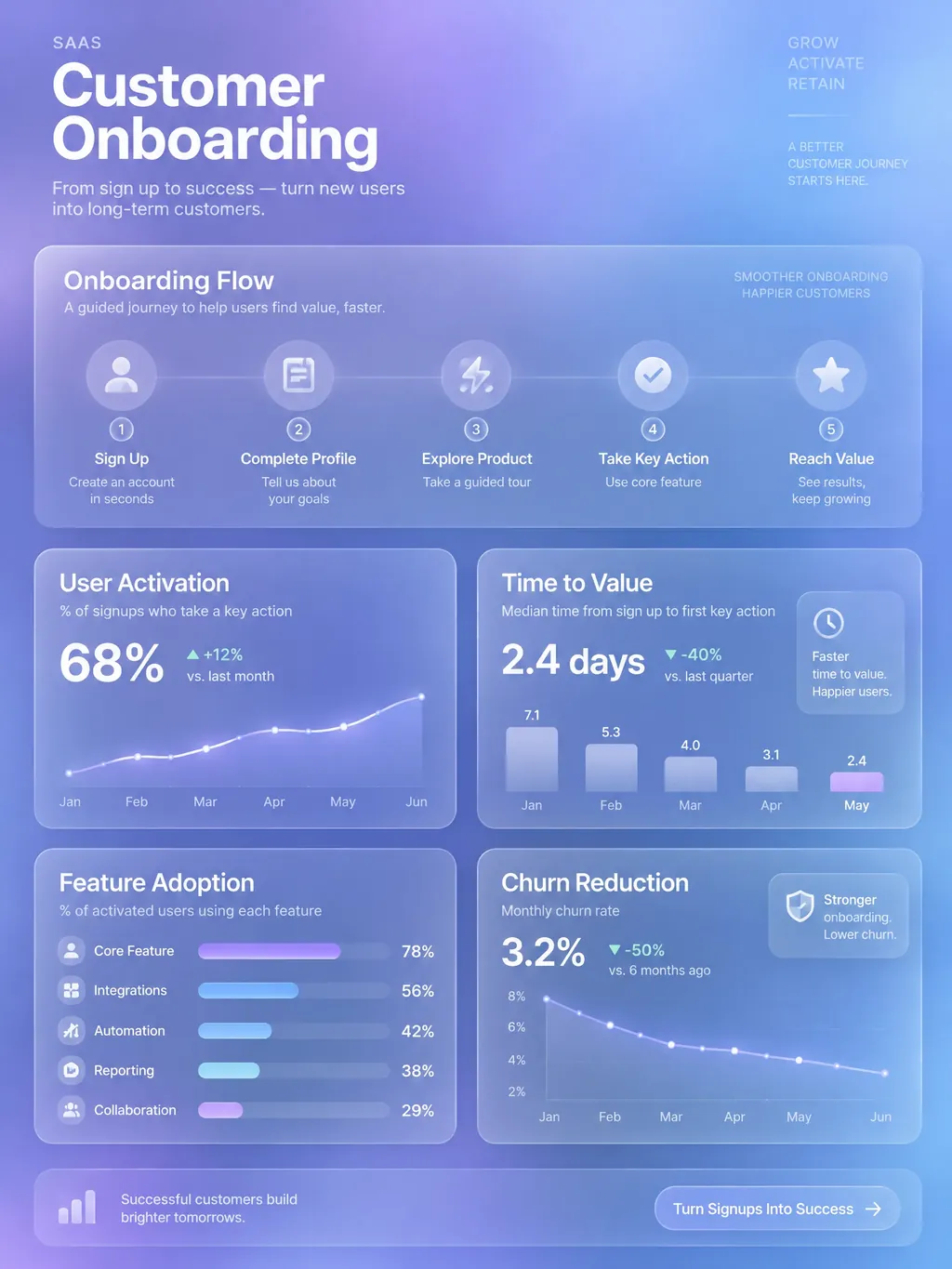
SaaS Customer Onboarding Flow
Visual onboarding funnel with activation milestones, time-to-value benchmarks, and feature adoption tracking. Perfect for product-led growth teams and CS leaders.
Frequently Asked Questions
Is glassmorphism still trendy in 2026?
How do I ensure text is readable on glass panels?
Create Your Glass Infographic
Describe any topic, and AI generates a polished Glass infographic in seconds. No design skills required.
Start Creating — Free