
Minimal Infographics
Clean lines, whitespace, modern typography
Perfect for professional reports and presentations. Uses ample whitespace, thin lines, and modern sans-serif fonts to let your data breathe. Ideal for corporate dashboards and executive summaries.
Create Minimal Infographic — FreeDesign Principles of the Minimal Style
Best For
- Executive presentations and board decks where credibility matters
- Data-heavy reports that need to feel scannable, not overwhelming
- SaaS dashboards and product documentation
- Professional services (consulting, legal, finance) where understated design signals trustworthiness
Not Ideal For
- Social media content competing for attention in noisy feeds
- Children's education materials that need warmth and playfulness
- Event promotions or marketing campaigns that require high energy
Color Psychology
The minimal palette — typically whites, light greys, and one muted accent color — communicates sophistication and confidence. Research from the Institute for Color Research shows that consumers make subconscious judgments within 90 seconds, and restrained palettes signal premium positioning. Think Apple, Muji, and Aesop: brands that use minimalism to imply 'we let quality speak for itself.'
Typography Guide
Sans-serif typefaces (Inter, Helvetica Neue, SF Pro) are the backbone of minimal infographics. Use font weight variation (300/400/700) to create hierarchy instead of adding borders or background colors. Line height of 1.5-1.6 ensures readability. Avoid decorative fonts entirely — they contradict the design philosophy.
Minimal vs. Corporate: Which Should You Choose?
While both minimal and corporate styles prioritize professionalism, minimal strips away even more: no structured columns, no navy-blue branding, no ornamental dividers. Minimal is design-forward and brand-neutral; corporate is industry-conventional and brand-assertive. Choose minimal when your audience values aesthetic sophistication; choose corporate when they expect institutional authority.
 Explore Corporate Style
Minimal Templates
Ready-to-use templates in the Minimal style. Click to customize and generate.
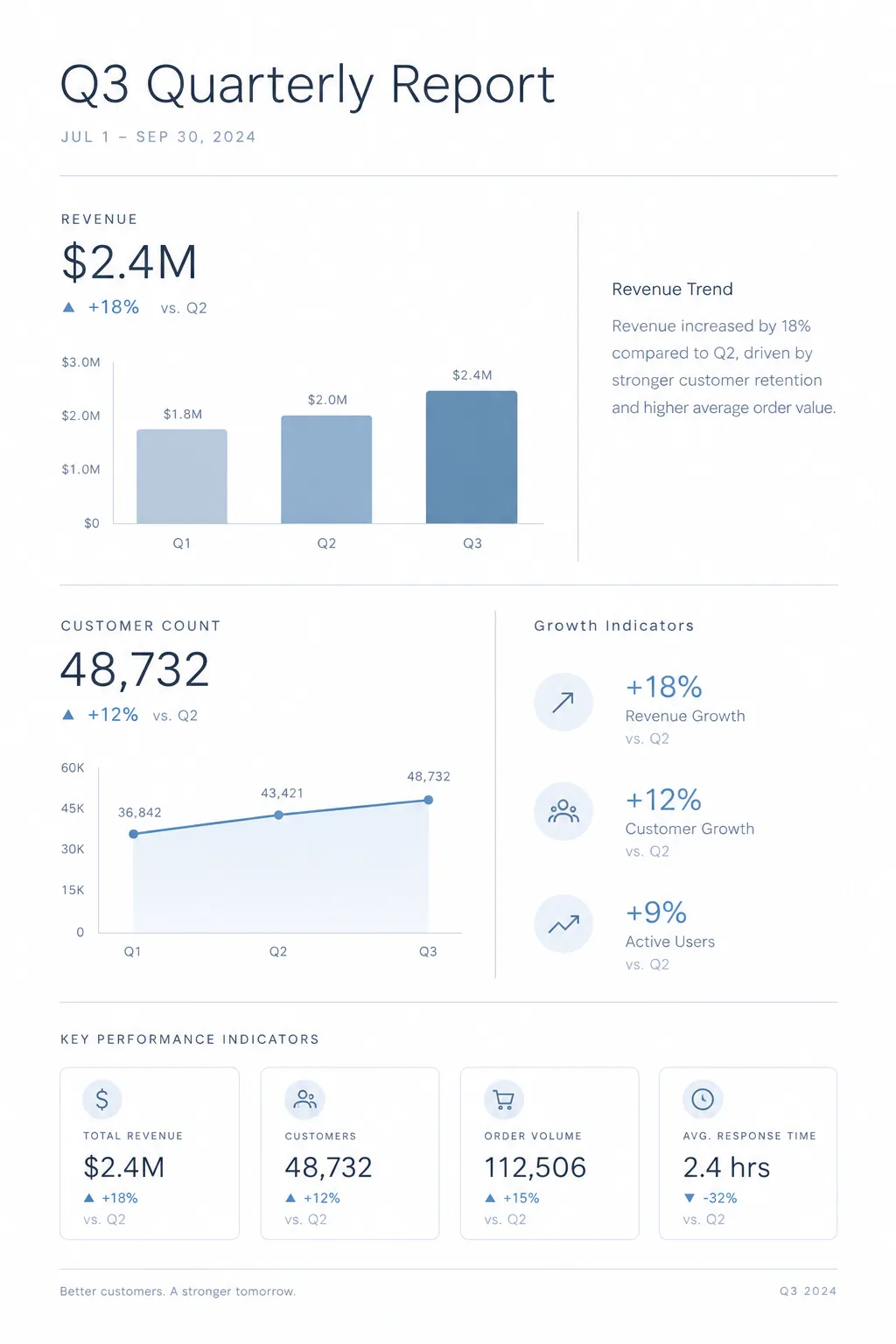
Quarterly Business Report
Clean executive summary with key metrics, revenue charts, and growth indicators. Perfect for board meetings and investor updates.
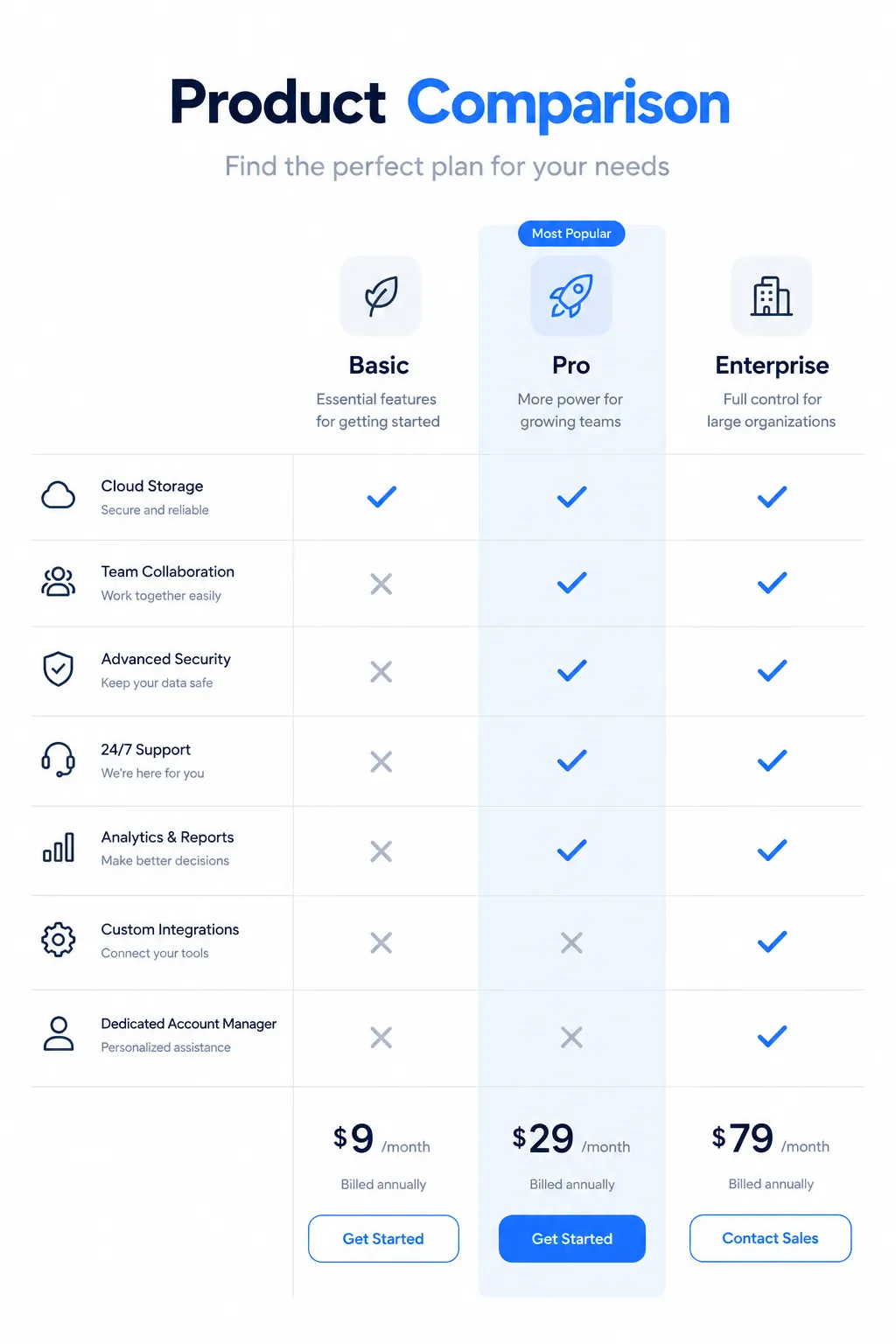
Product Comparison Chart
Side-by-side feature comparison with pricing tiers. Ideal for SaaS landing pages and buyer guides.
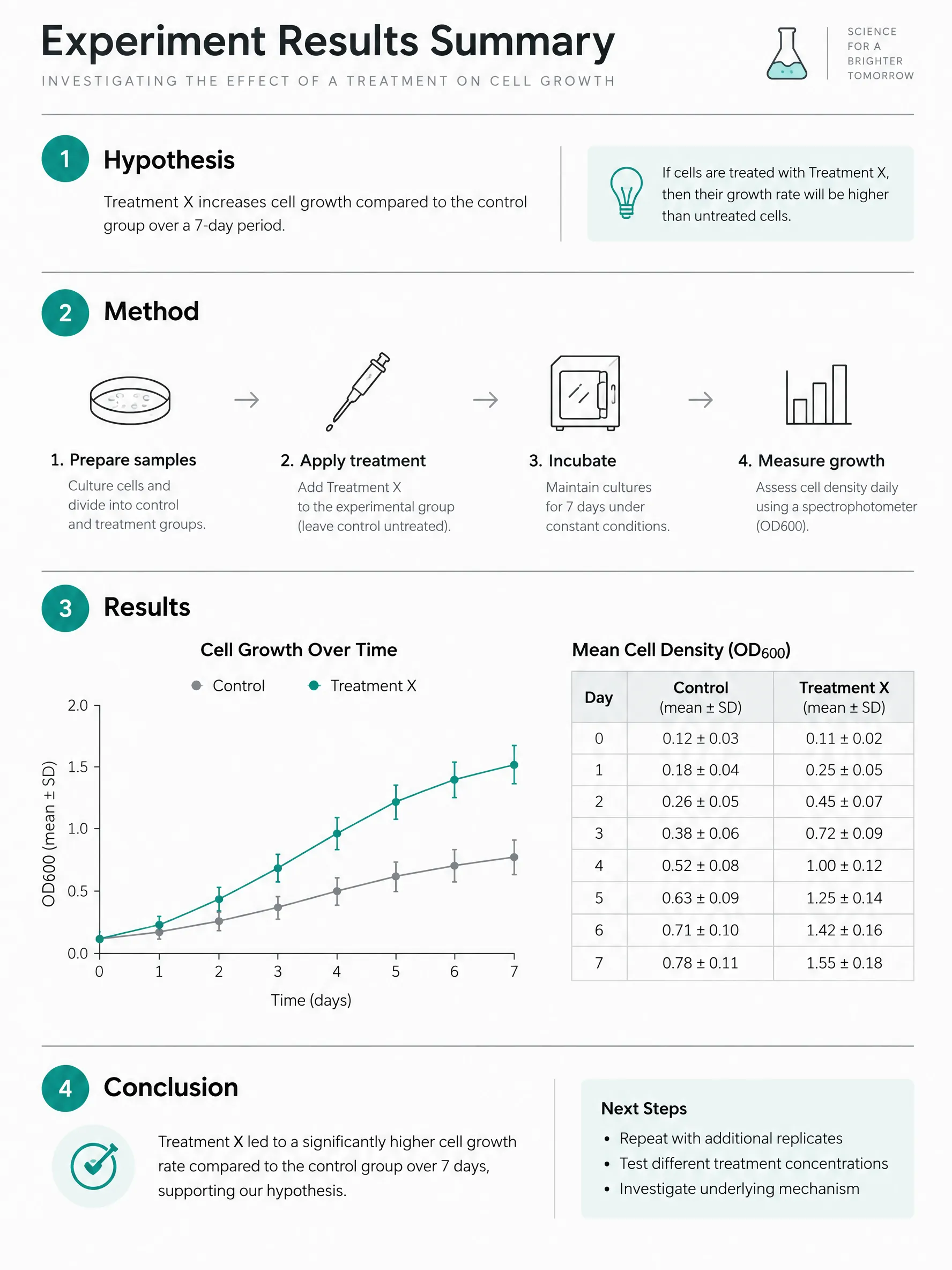
Lab Experiment Results Summary
Clean minimal template for summarizing lab experiments: hypothesis, method, results chart with error bars, and conclusion in one shareable page.
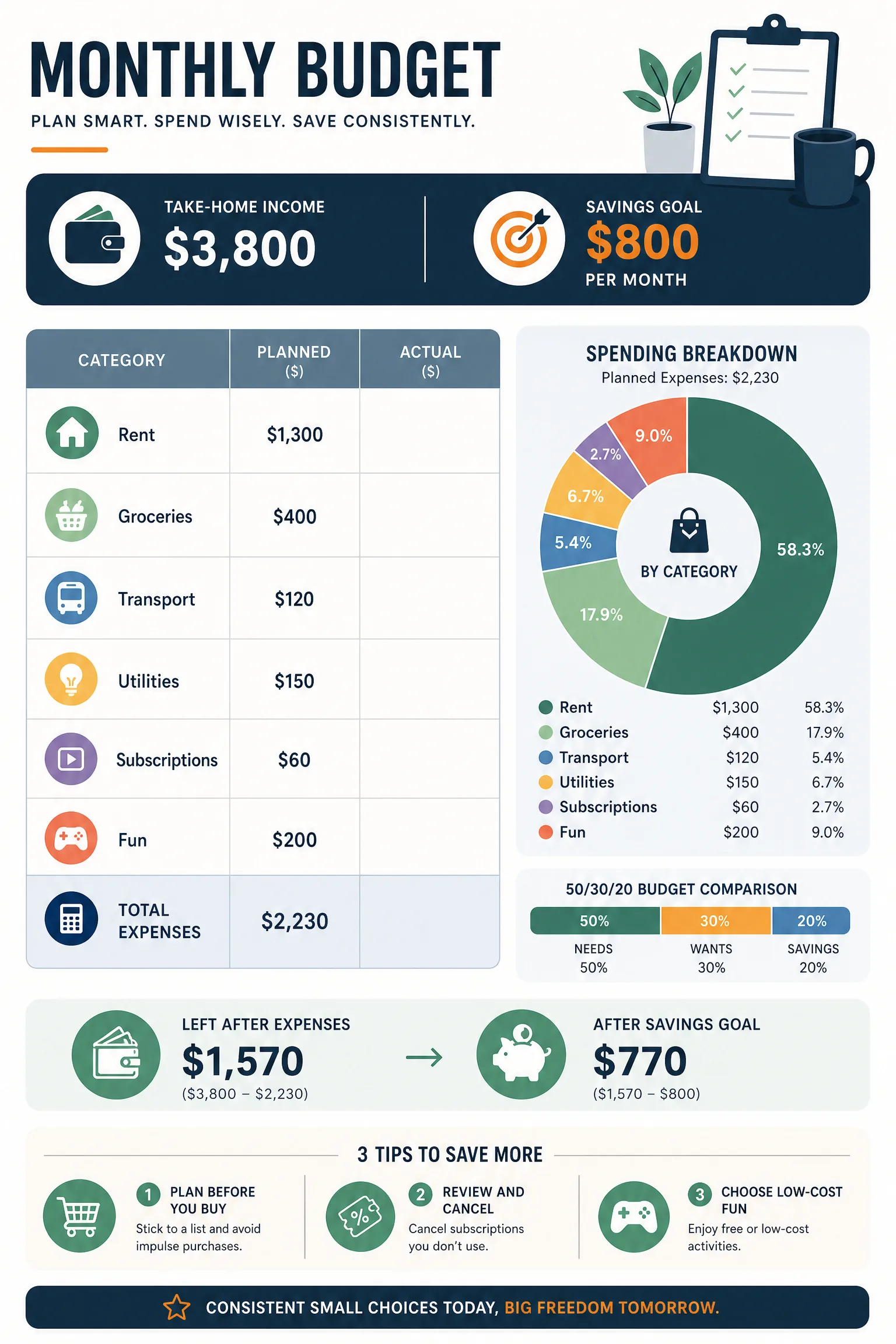
Monthly Budget Planner
Track income, fixed and variable expenses and a savings goal, planned against actual. Print the blank sheet or let AI lay out your budget.
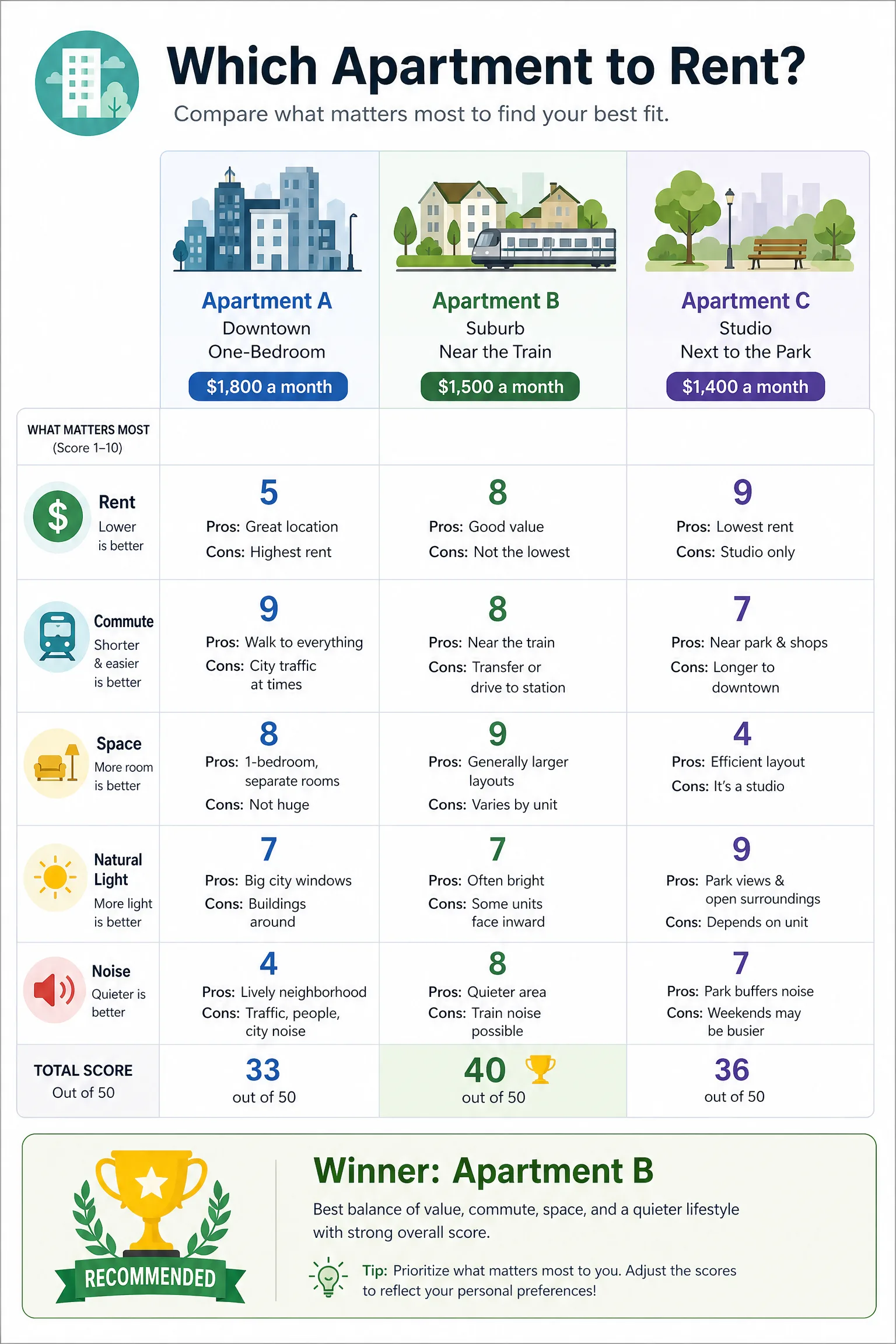
Compare 3 Options
Put three options side by side on the criteria that matter, with scores, pros and cons. Print the blank sheet or let AI build your comparison.
Frequently Asked Questions
When should I use a minimal infographic style over a more colorful one?
How do I prevent a minimal infographic from looking too plain or boring?
Create Your Minimal Infographic
Describe any topic, and AI generates a polished Minimal infographic in seconds. No design skills required.
Start Creating — Free