Gradient Infographics
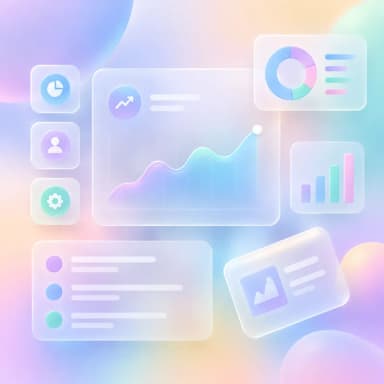
Vivid gradient backgrounds
Smooth color transitions from pink to blue to purple across sections. Eye-catching and dynamic — great for social media content, creative agencies, and trend reports.
Create Gradient Infographic — FreeDesign Principles of the Gradient Style
Best For
- Social media content that needs to catch attention in feeds
- Creative agency portfolios and marketing trend reports
- Startup pitch materials and product launch announcements
- Instagram and Pinterest content where visual appeal drives engagement
Not Ideal For
- Formal financial documents or legal communications
- Content with high data density requiring precise chart readability
- Accessibility-critical content (gradients can reduce contrast for visually impaired users)
Color Psychology
Multi-color gradients evoke energy, creativity, and forward momentum. Instagram's gradient logo popularized the aesthetic, and it has become shorthand for 'modern, creative, and social.' Purple-to-pink gradients signal creativity and innovation; blue-to-teal signals trust with modernity. The continuous color flow creates a sense of movement that static flat colors cannot achieve — the eye naturally follows the gradient, which can be used to guide readers through the infographic's narrative.
Typography Guide
White text is the safest choice on gradient backgrounds — it provides consistent contrast regardless of the underlying color. Use bold weights (600-700) for headlines and medium (500) for body to maintain visibility. For added readability, place text on semi-transparent dark or white card overlays rather than directly on the gradient. Large display fonts (36-48px) work better than small text because they maintain legibility over shifting background colors.
Gradient vs. Glassmorphism: Which Should You Choose?
Gradient puts the colorful background front and center — it is the hero of the design. Glassmorphism uses a similar colorful background but overlays frosted glass panels that organize content and add depth. Gradient is bolder and more immediate; glassmorphism is more refined and structured. Choose gradient when visual impact and energy are the priority (social media, creative content); choose glassmorphism when you need organized sections and a premium, product-focused feel.
 Explore Glass Style
Gradient Templates
Ready-to-use templates in the Gradient style. Click to customize and generate.
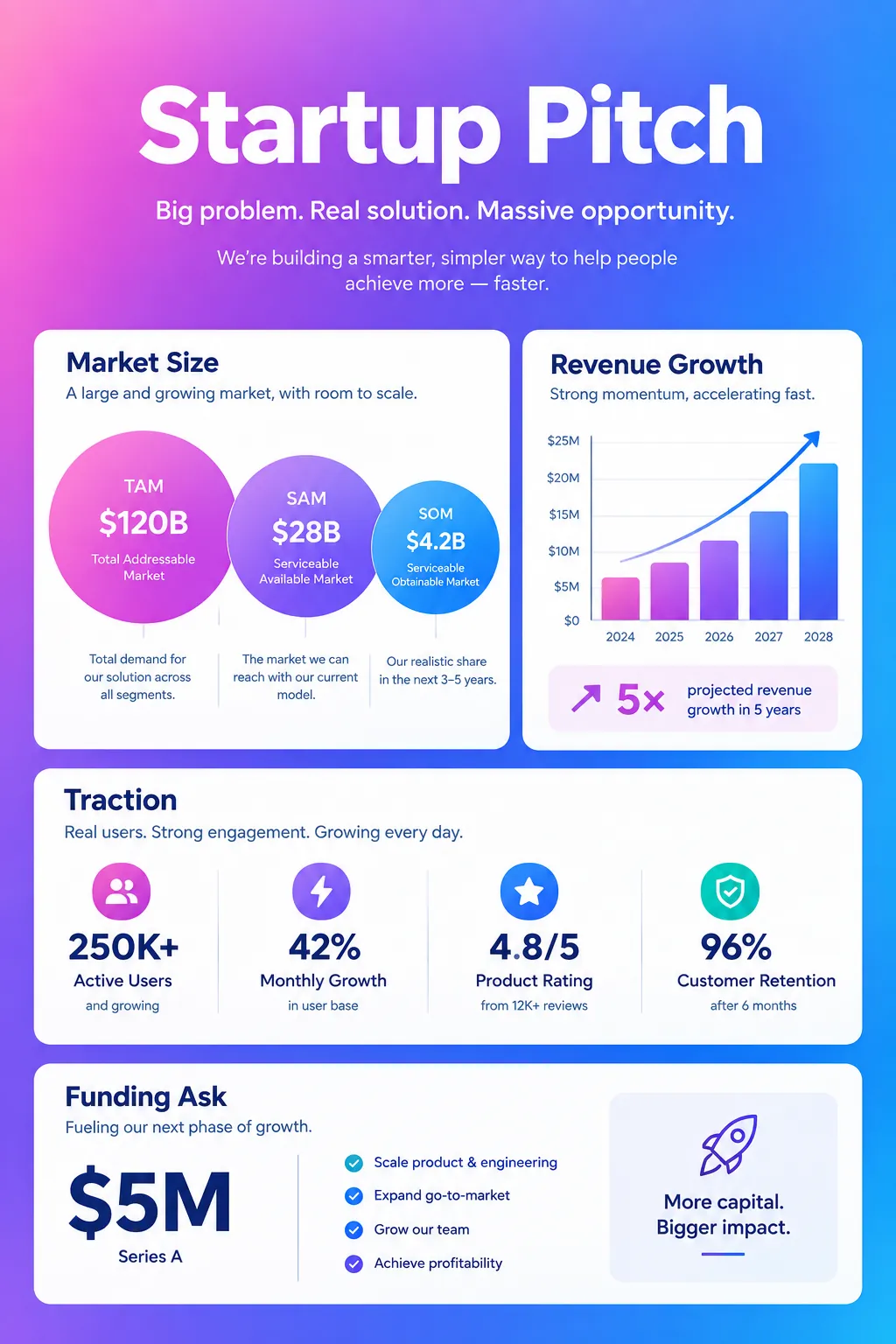
Startup Pitch Overview
Vibrant pitch-deck style overview. Key metrics, market opportunity, and growth trajectory for startup presentations.
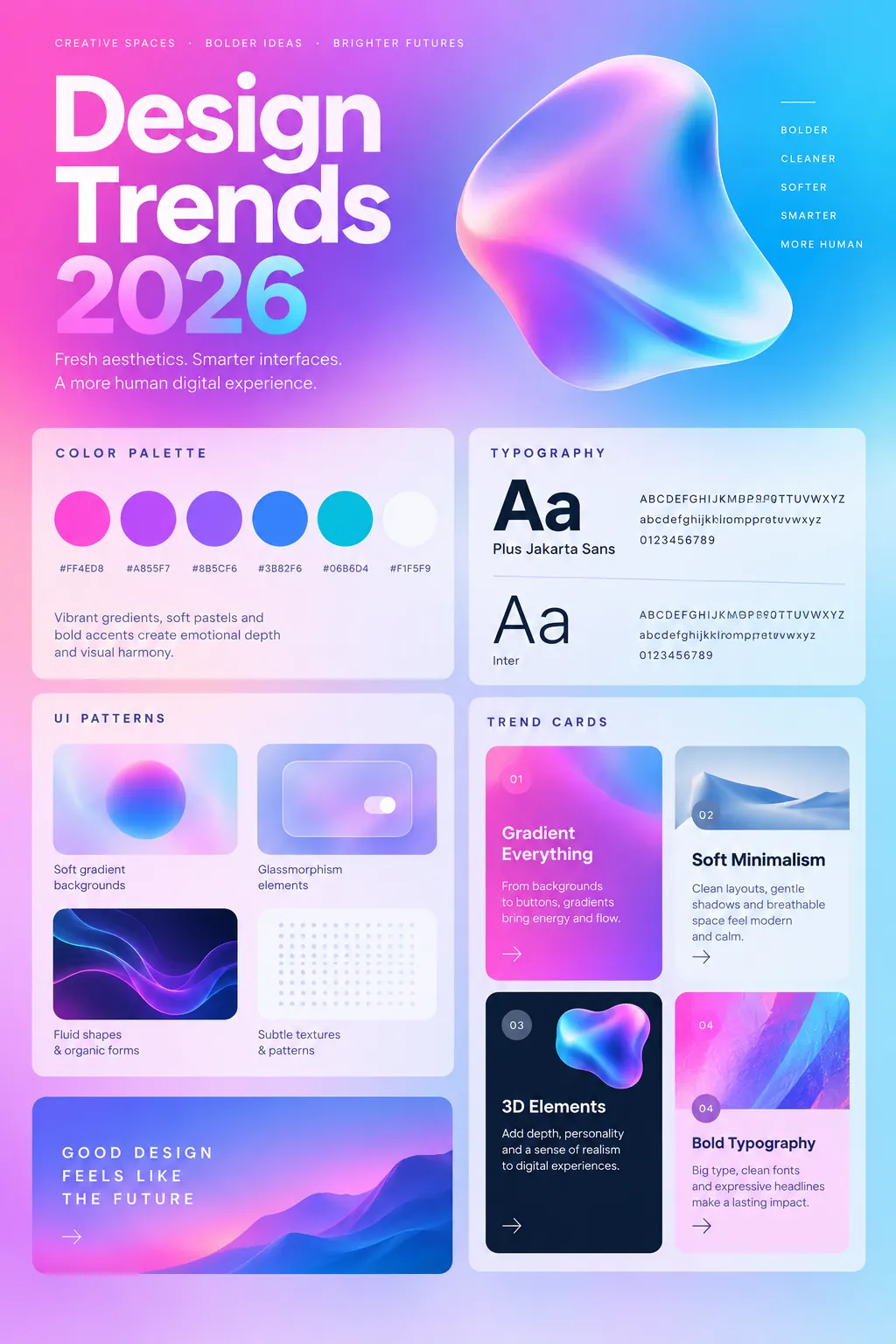
Design Trends 2026
Eye-catching trend forecast with gradient backgrounds. Visual design, UI/UX, and branding predictions.
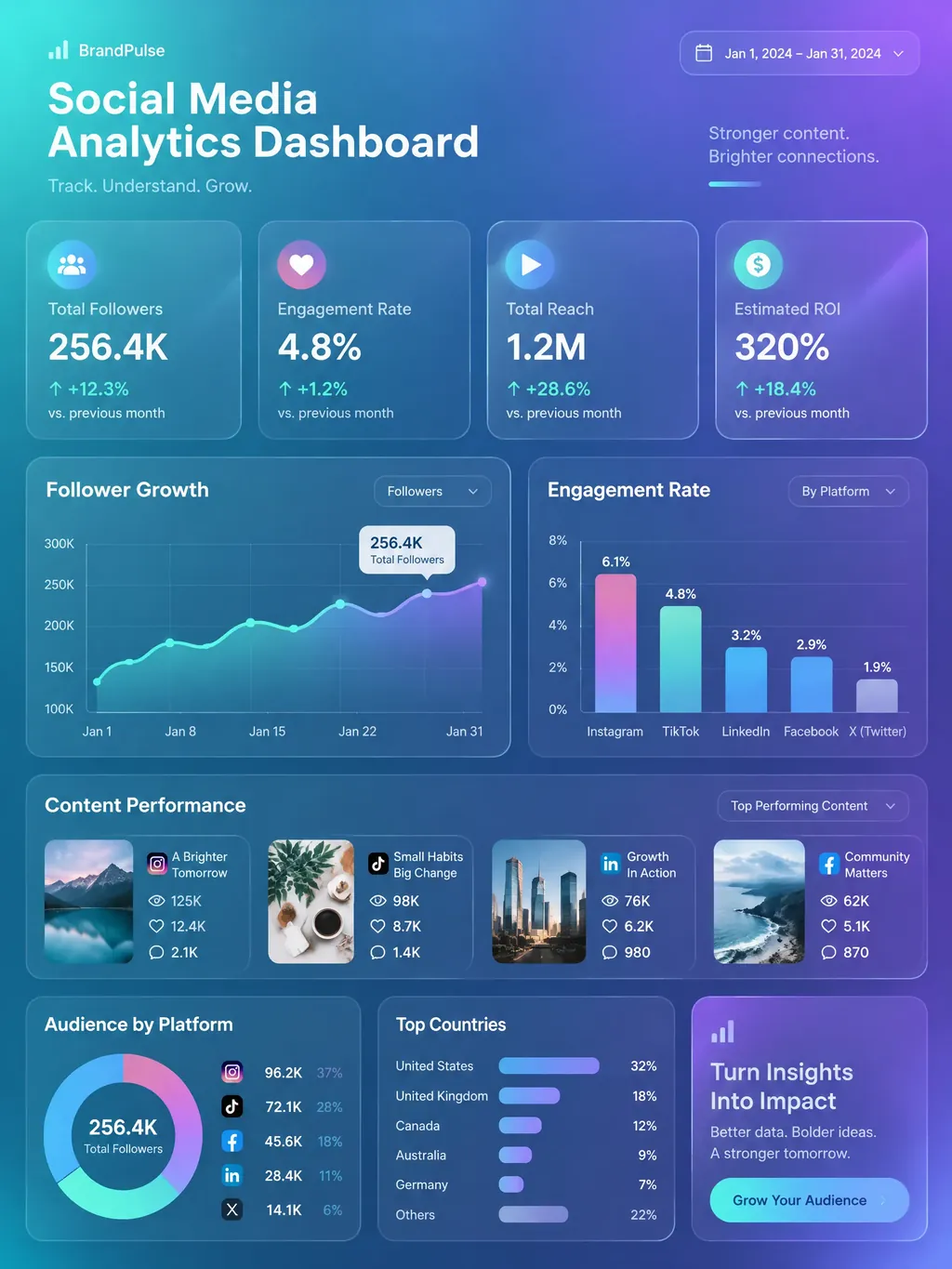
Social Media Analytics Dashboard
Comprehensive social media performance dashboard with engagement metrics, follower growth tracking, content performance analysis, and ROI measurement. Ideal for marketing teams and social media managers.
Frequently Asked Questions
How do I choose which gradient colors to use for my infographic?
Do gradient infographics perform well on social media?
Create Your Gradient Infographic
Describe any topic, and AI generates a polished Gradient infographic in seconds. No design skills required.
Start Creating — Free