

Study Guide Maker: One-Page Visual Summaries
Turn a chapter, lecture or topic into a one-page visual study guide with key terms, the main ideas in order and a few things to remember. Print it, pin it above your desk or share it with your class.
Starts in the Playful style at 2:3. A tall page fits a study guide well and prints on A4 or Letter. Use 4:3 for a classroom slide.
Building a study guide that helps you remember
Ask for key terms with short definitions
Name the terms you must know and ask for one line on each. A glossary box is easy to scan, and it is what you will use when revising.
Add a “remember this” box
Ask for the three to five facts most likely to come up in the test, or a mnemonic. The AI places it as a separate callout on the page.
Match the level
Say the grade or course, for example “8th grade” or “first-year biology”. It changes vocabulary and depth, and keeps explanations at the right level.
Three examples to start from
Each one opens in the generator with the style and shape filled in. Edit the details, then press Generate.
Photosynthesis, grade 8 · Playful · 2:3
One-page study guide: photosynthesis for 8th grade. Include the definition, light-dependent and light-independent stages, the word equation, four key terms with one-line definitions, and a remember-this box with three facts.
Open in the generator →World War II timeline · Vintage · 2:3
Study guide: causes, major events and outcomes of World War II for high-school history. Key dates in order, six key terms, and three essay questions to practise.
Open in the generator →Cell biology cheat sheet · Minimal · 2:3
Cell biology cheat sheet for first-year students: parts of an animal cell and what each organelle does, differences between plant and animal cells, and a short quiz box with three questions.
Open in the generator →
How it works
- 1
Say the subject and level
Name the topic, the grade or course, and what the test covers.
- 2
List what the guide should include
Key terms, the stages or steps, a formula or diagram, and a remember-this box are good starting points.
- 3
Generate, proofread and print
Check facts against your textbook. Download the PNG and print it, or save it to your phone for revision.
Related templates
Ready-made starting points that fit this kind of infographic.
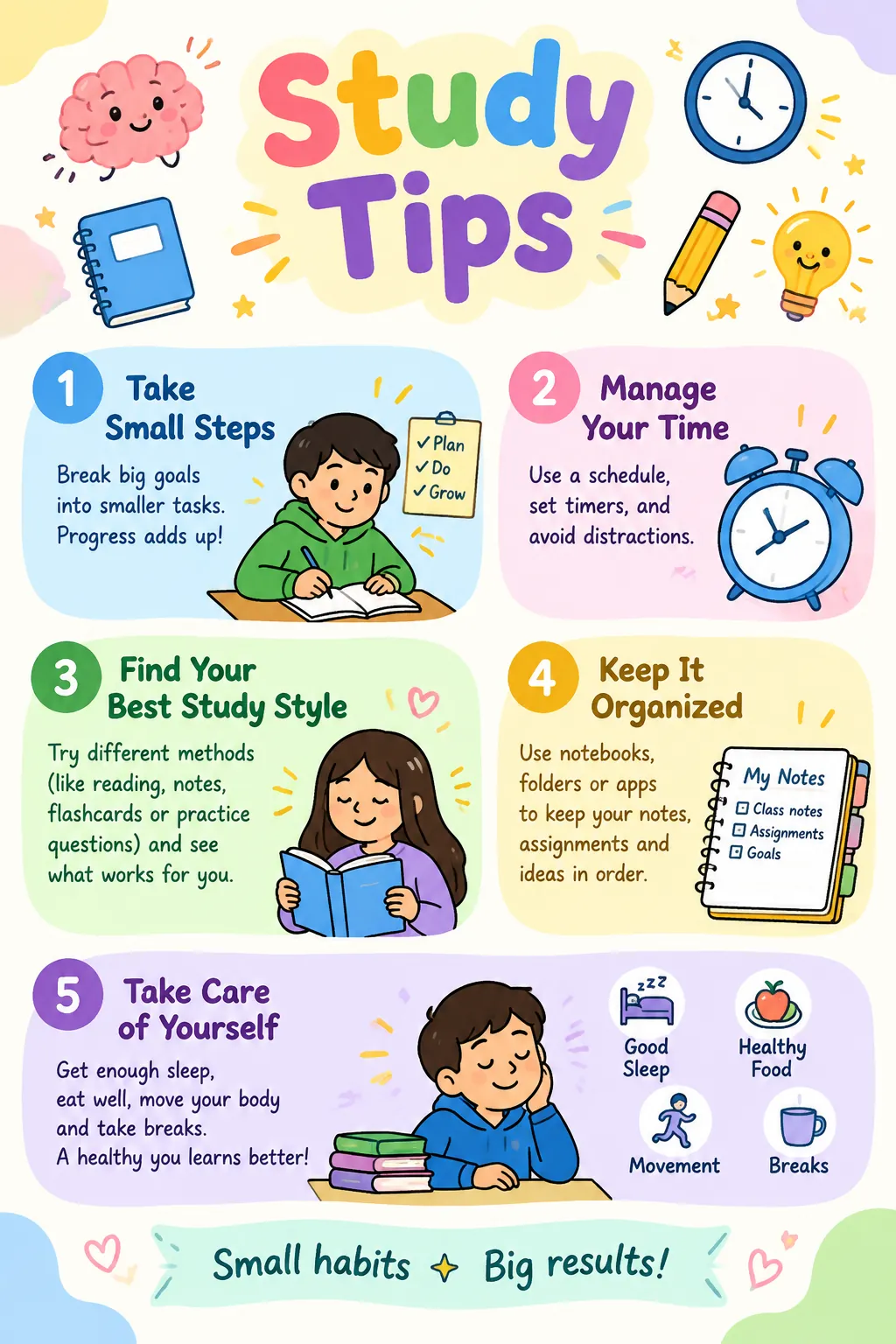
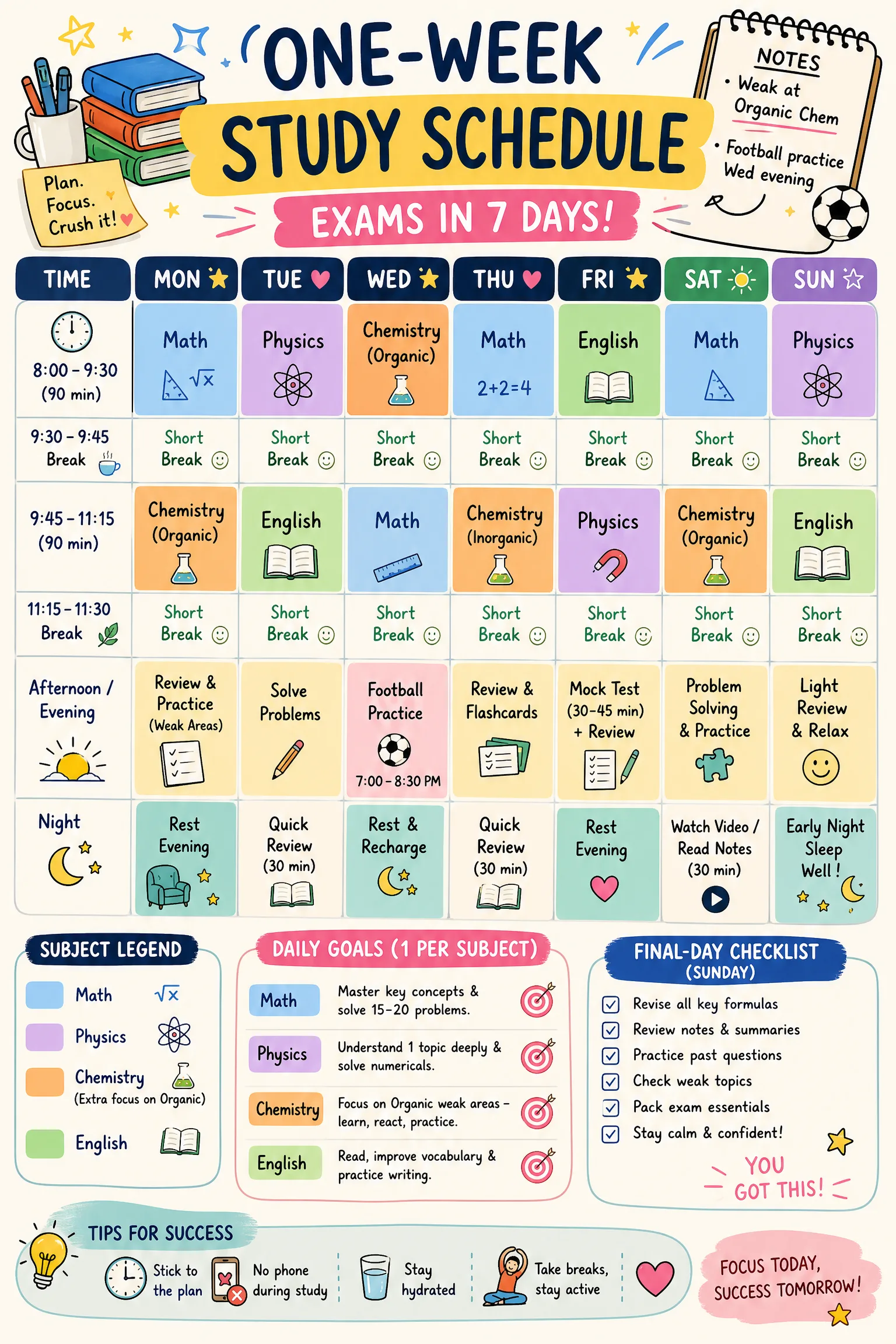
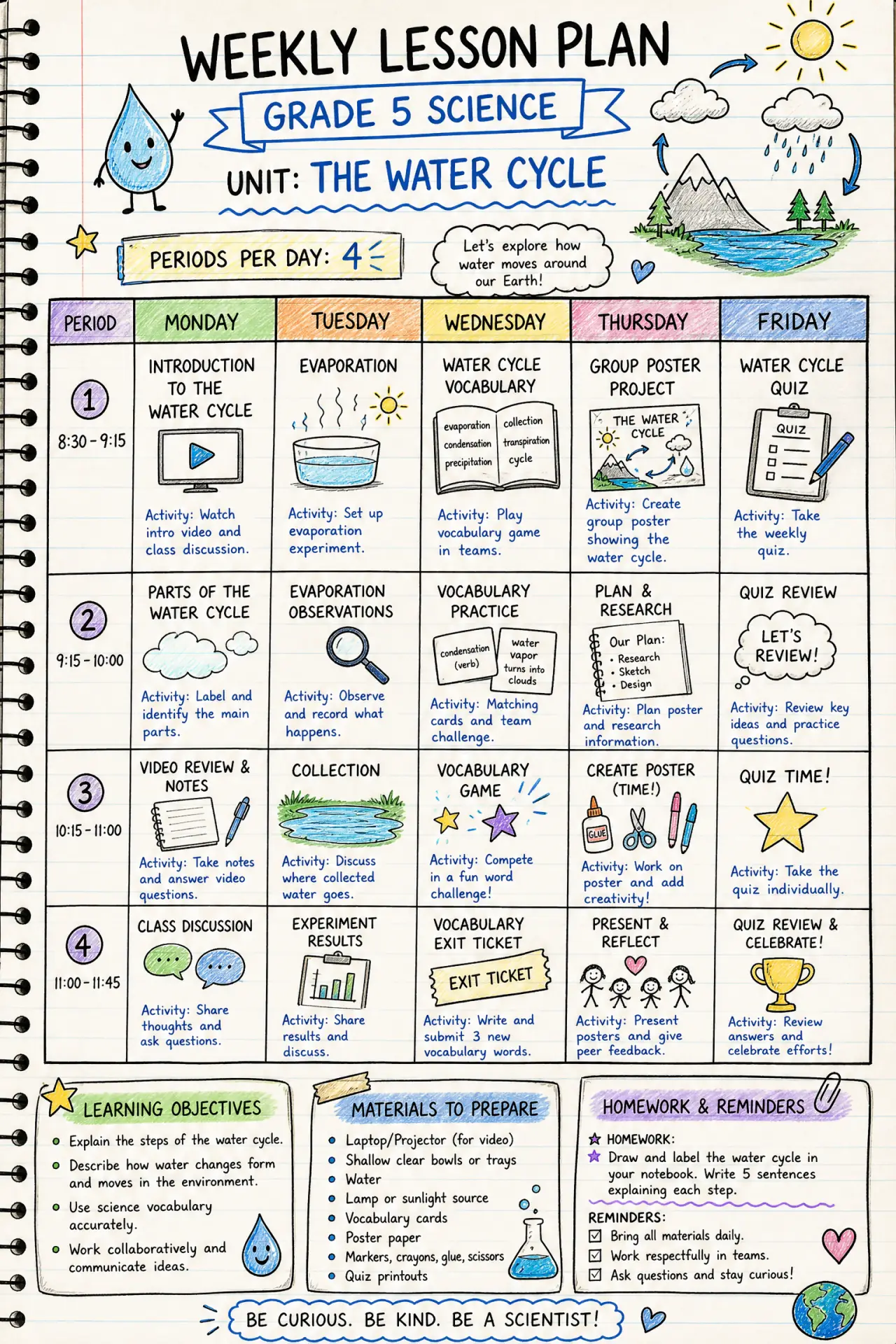
Questions
Are the facts in the study guide guaranteed correct?
No. The AI can make mistakes, especially with dates, numbers and spelling. Treat the guide as a starting layout and check every fact against your textbook or class notes.
Can I make one from my own notes?
Yes. Paste your notes into the description and ask for key terms, steps and a remember-this box. The guide then follows your notes instead of generic material.
Can I print it?
Yes. The PNG is high resolution and prints well on A4 or Letter. The planners in our template library also come as blank printable PDFs.
Is it allowed for school use?
Making a study aid for yourself or your class is a normal use. Follow your school’s rules about AI tools, and never use generated material to cheat on an assessment.
See the content license and pricing.
Keep reading
Make your first one now
Describe the topic, pick a style and download the result.
Start creatingSecure checkout by Waffo · Cancel any time · Failed generations are refunded