

Text to Infographic: Describe It, AI Designs It
Type what the infographic is about, and the AI designs the whole page for you, including the layout, icons and the text on it. It works from a single sentence, and gets better the more specifics you give.
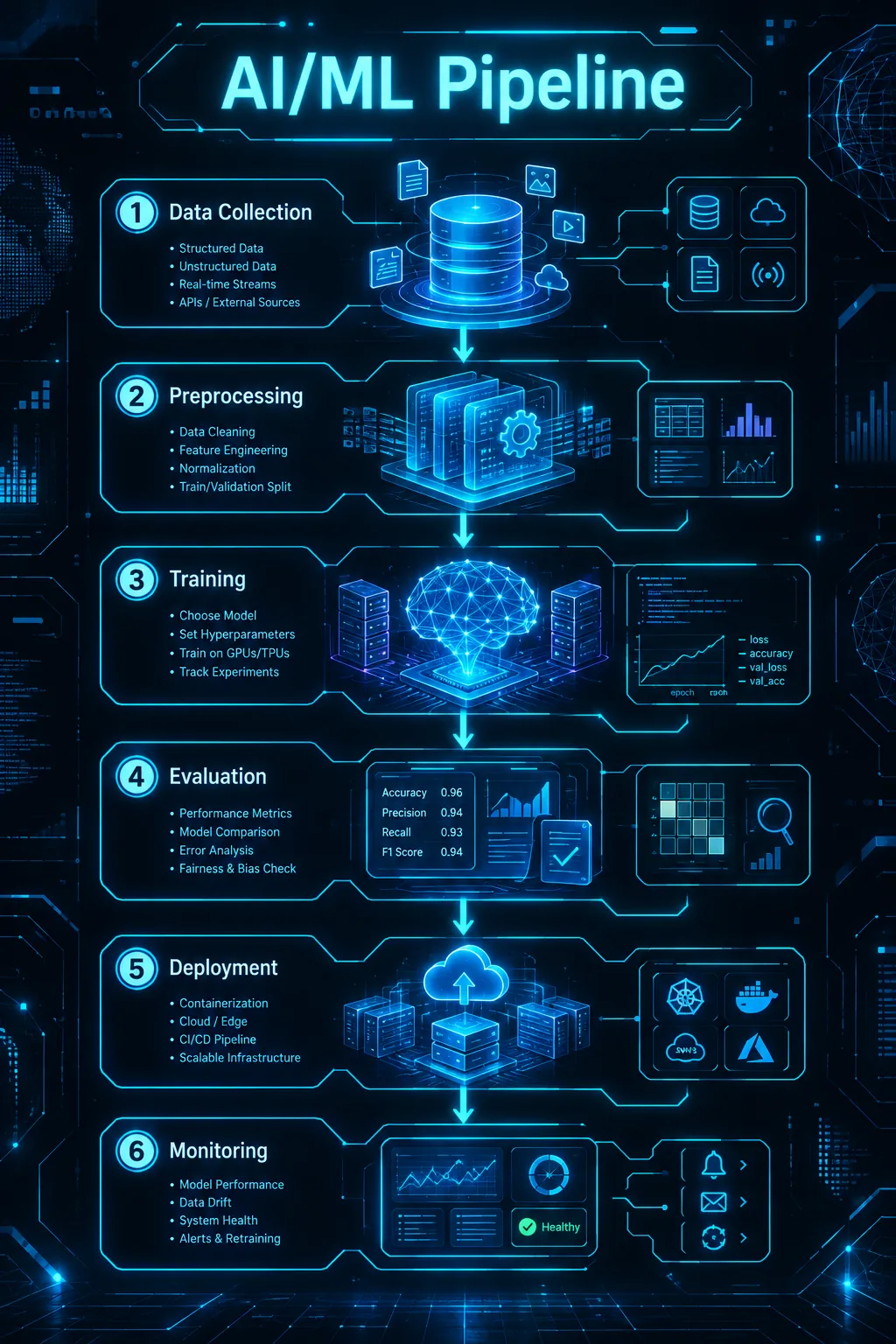
Starts in the Tech style at 2:3. 2:3 is the shape Pinterest pins use and it works well in most feeds. Choose 1:1 for Instagram posts or 16:9 for slides.
What to put in a one-line description
Say who it is for
“For first-year students” and “for a board meeting” lead to different wording and density. A target reader is the cheapest way to improve the result.
Name the sections you want
List three to six parts, such as definition, how it works, pros and cons. When you name them, the AI draws them in that order instead of guessing.
Give it the facts you trust
The AI does not look up statistics for you. If a number matters, write it in the description and check it against its source. Leave the number out when you are unsure.
Three examples to start from
Each one opens in the generator with the style and shape filled in. Edit the details, then press Generate.
How a search engine works · Tech · 2:3
How a search engine works, for curious beginners: crawling, indexing, ranking and showing results. One short sentence and an icon for each stage, and a small note that results differ between engines.
Open in the generator →Benefits of sleep · Playful · 2:3
Why sleep matters, for busy adults: what happens during the four sleep stages, three signs you are not sleeping enough, and five habits for better sleep. Calm blue colours, simple icons.
Open in the generator →Remote work tips · Minimal · 1:1
Seven tips for staying focused when working from home: a fixed start time, a dedicated desk, a shutdown ritual and more. Short tip titles with one line of explanation each.
Open in the generator →
How it works
- 1
Write one or two sentences
Say the topic, the reader and the parts you want. A short, specific description beats a long vague one.
- 2
Pick a style
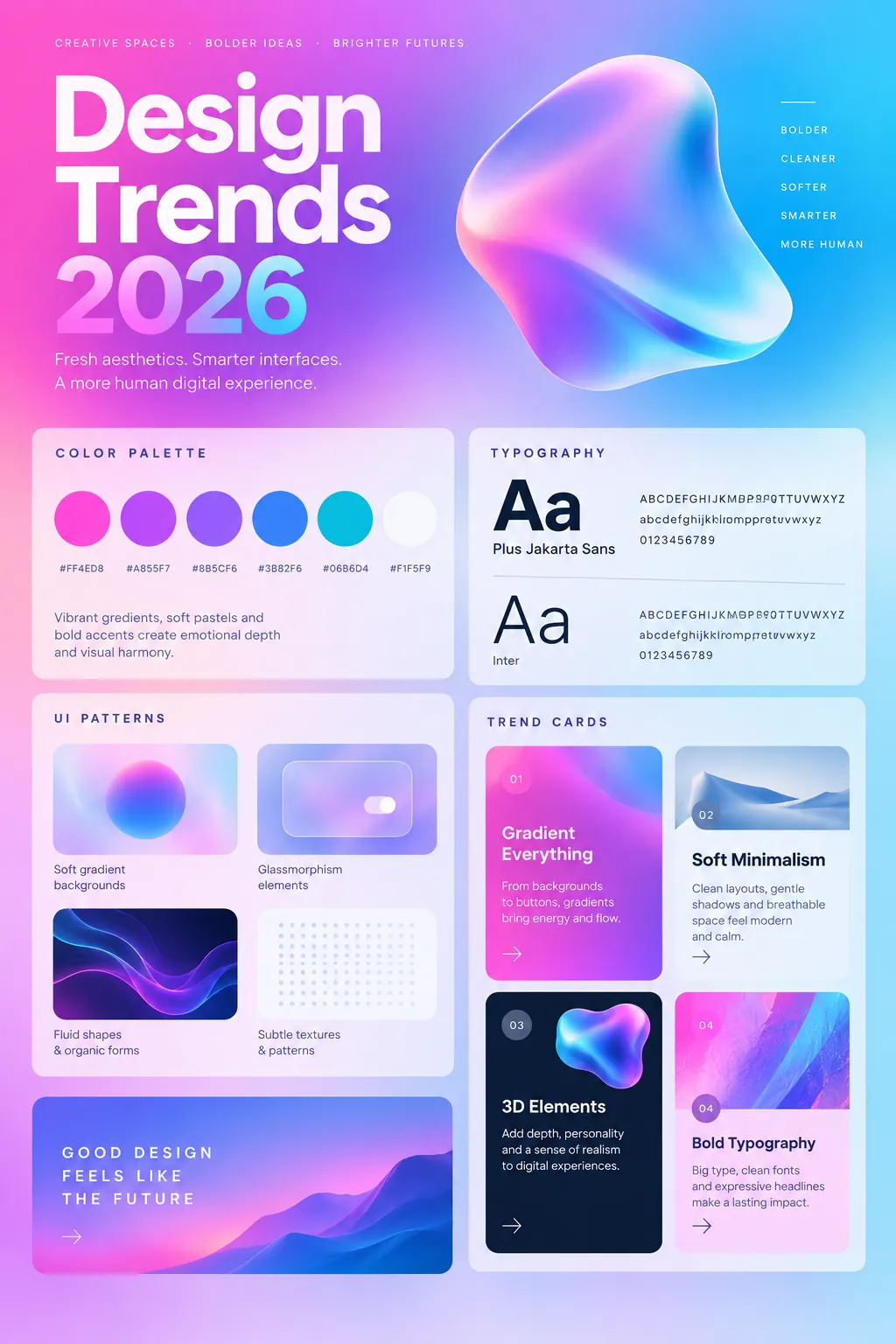
There are 14 visual styles, from minimal to hand-drawn to neon. The style changes the look, not the content.
- 3
Generate and refine
If the first result is close, change a few words in the description and generate again. Failed generations are refunded automatically.
Related templates
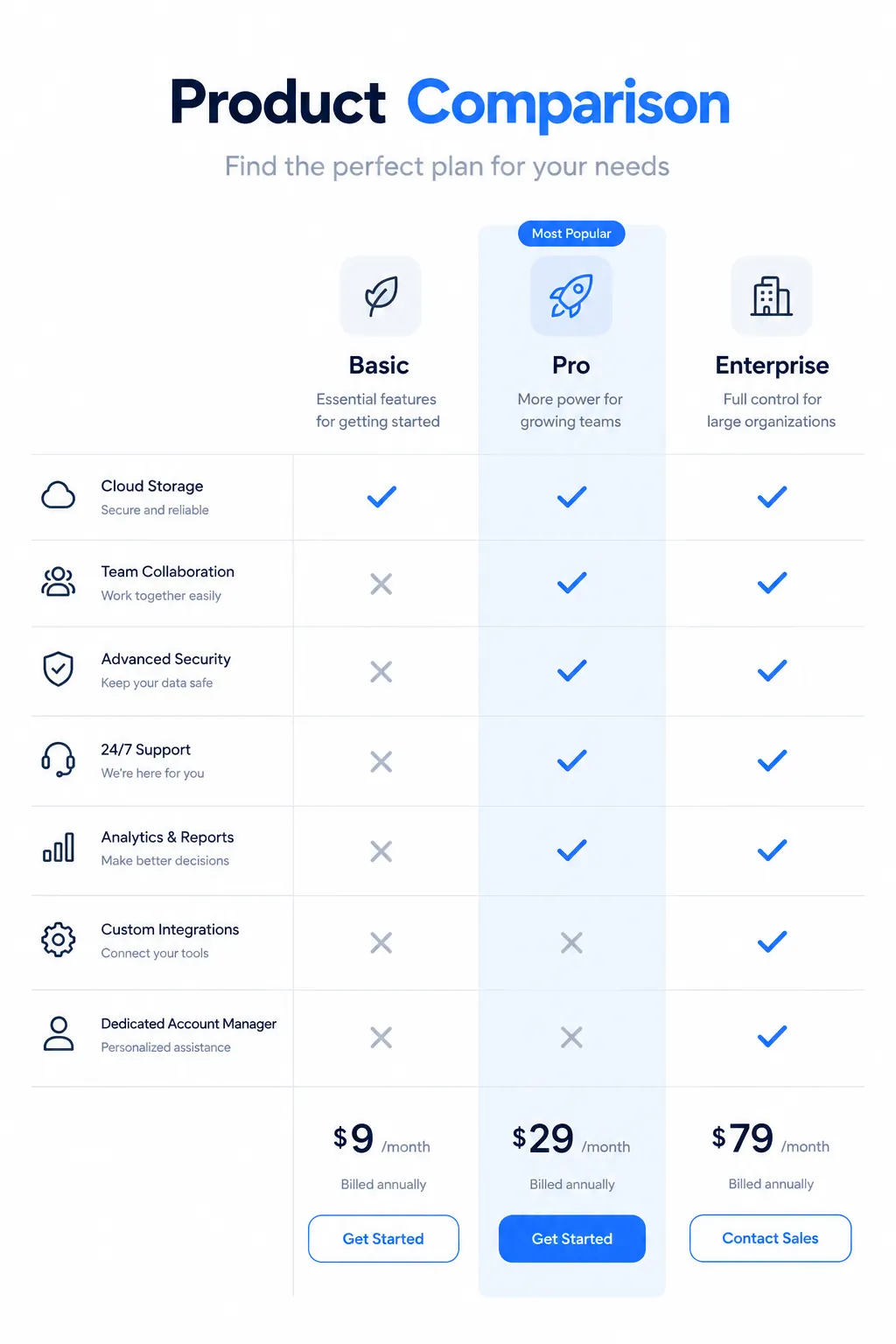
Ready-made starting points that fit this kind of infographic.
Questions
What kinds of infographics can it make?
Explainers, lists, how-tos, comparisons, timelines, study guides and planners. It is built for one-page infographics rather than long documents or interactive charts.
Do I need design skills?
No. You write a description; the AI chooses the layout, colours and icons. The 14 styles let you steer the look without any design work.
Can I use the result commercially?
Yes, images you create are yours for personal and commercial use. The content license has the details. You can try it with 3 free generations first.
What if the text in the image has a mistake?
AI can occasionally misspell a word or garble a number inside an image. Read the result before sharing it, then adjust the description and regenerate if something is off.
See the content license and pricing.
Keep reading
Make your first one now
Describe the topic, pick a style and download the result.
Start creatingSecure checkout by Waffo · Cancel any time · Failed generations are refunded