

Infographic Maker for Blog Posts
A single clear graphic can summarize a post, give readers something to share and make the page easier to skim. Paste your key points, choose a style and get a finished image to place in the article.
Free to try, no sign-up, no watermark.
Why it works for Bloggers
Summarize a long post
Turn the main points of an article into one image that readers can save or share.
Consistent look
Stick to one style across posts so your graphics become recognizable.
Right shape for the page
Use 16:9 for a wide in-article graphic or 2:3 for something readers can pin.
Recommended settings
In-article graphics: 16:9. Shareable and pinnable graphics: 2:3.



Example descriptions to start from
Each one opens in the generator with the style and shape filled in. Edit the details, then press Generate.
Post summary
Summary graphic for a blog post titled '5 habits of productive remote teams'. Five numbered habits: written updates, core overlap hours, one-page weekly goals, short meetings, a shared team calendar. Clean, lots of whitespace.
Open in the generator →Comparison
Side-by-side comparison: static site generators vs. a traditional CMS. Rows for setup time, speed, cost, security and best for. Two columns, modern gradient style.
Open in the generator →How-to steps
How to set up two-factor authentication in 5 steps: choose an app, scan the QR code, save backup codes, test sign-in, enable on all accounts. Simple step icons, dark tech look.
Open in the generator →
Made with MakeInfographics.ai
Examples from our gallery, each generated with the same tool.
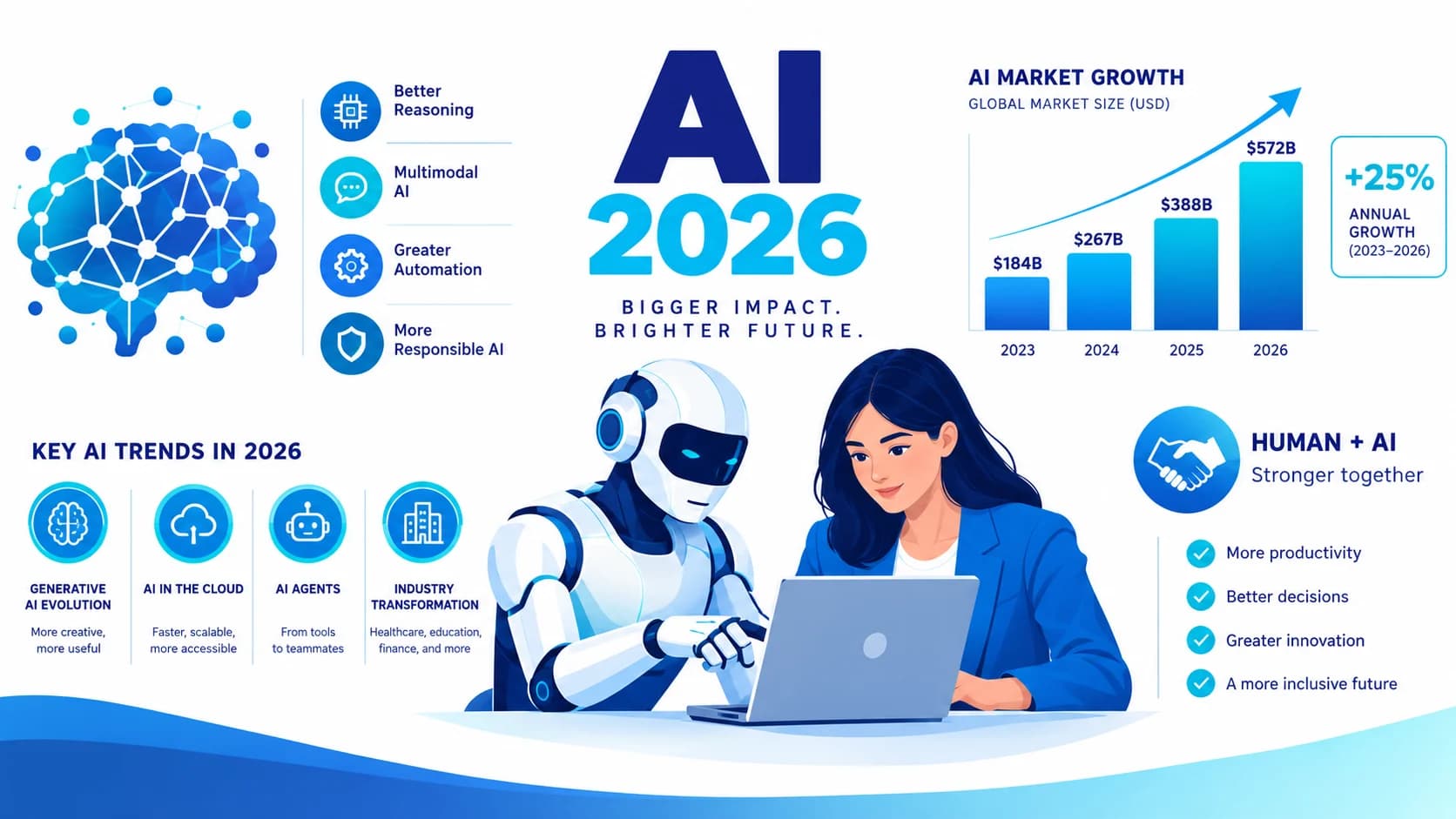
Artificial Intelligence Trends 2026
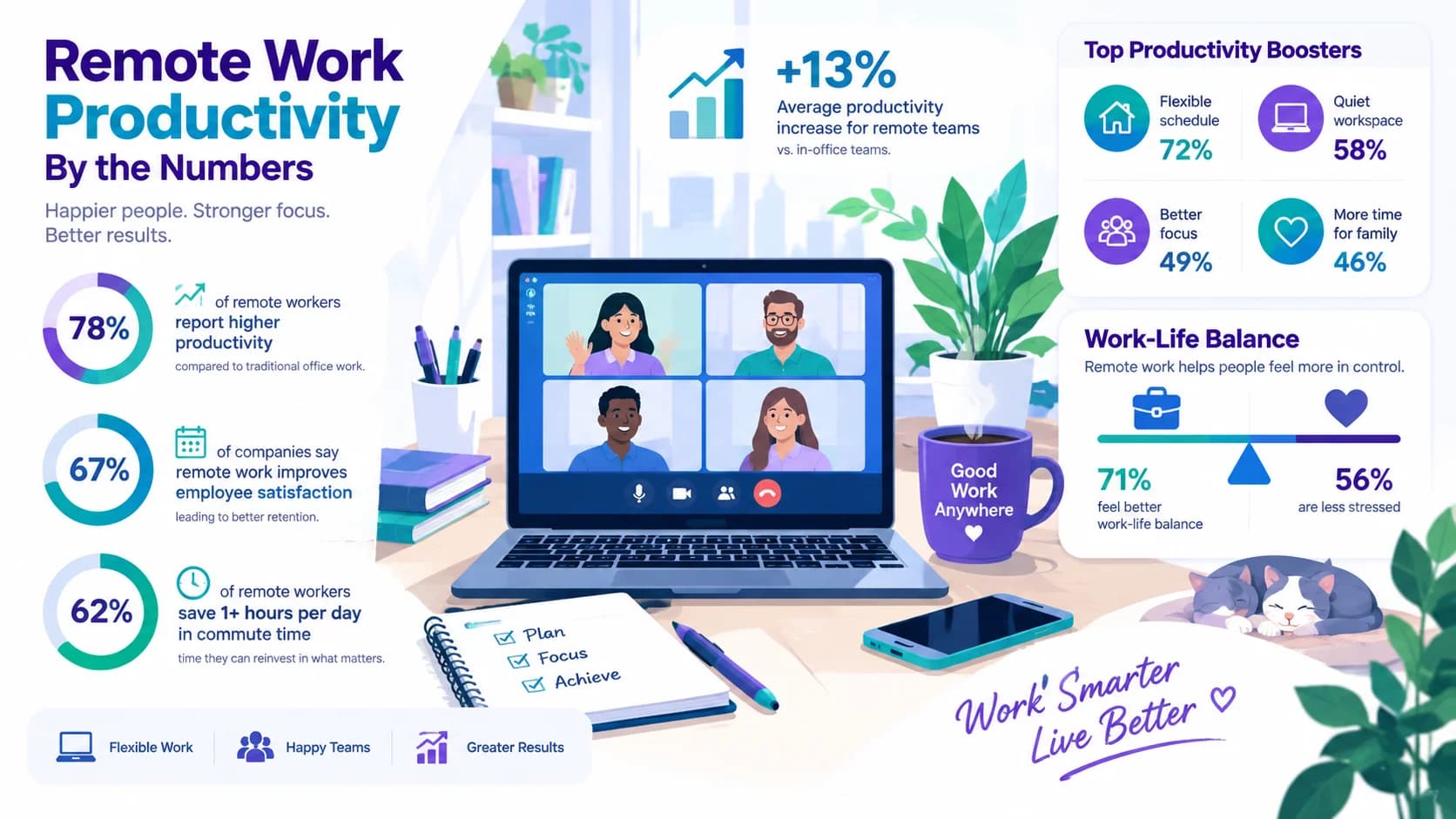
Remote Work Productivity Statistics
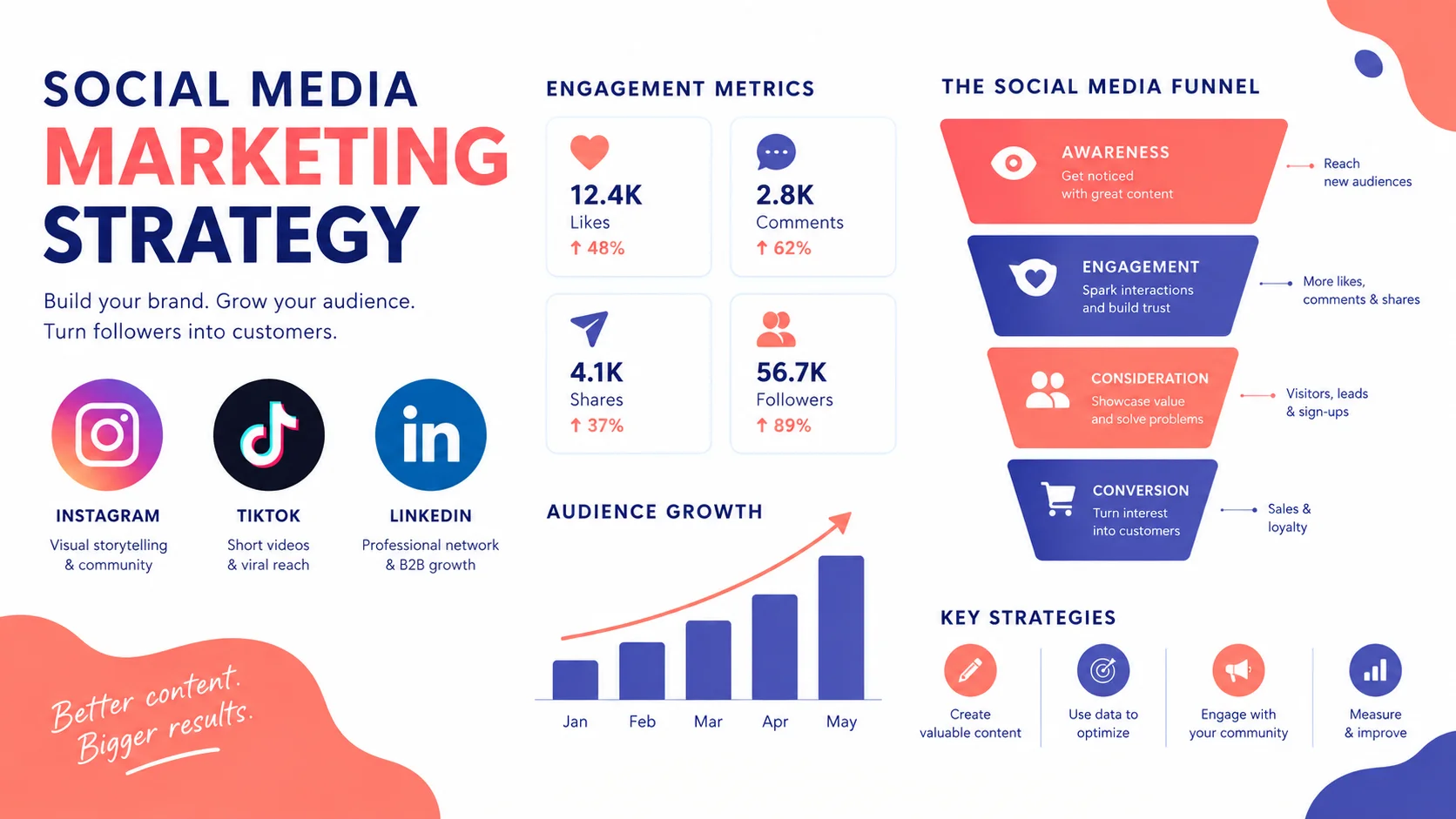
Social Media Marketing Strategy
More in the gallery: Marketing, Technology & SaaS
Questions
What size works best inside a blog post?
A wide 16:9 image fits most article layouts. If you also want readers to pin it, make a second version in 2:3. You can change the shape under Shape on the create page.
Can I use the infographic commercially?
Yes. Infographics you create with MakeInfographics.ai are yours to use for personal and commercial purposes. See the content license for the details.
Do I need an account or a credit card to try it?
No. Every new device gets 3 free generations with no sign-up and no watermark. Plans and credit packs are only needed if you want more.
See the content license and pricing.
Keep reading
Make your first one now
Describe the topic, pick a style and download the result.
Start creatingSecure checkout by Waffo · Cancel any time · Failed generations are refunded