

Infographic Maker for Pinterest
Pinterest rewards tall, clear images that answer a question at a glance. Describe the topic, keep the default 2:3 shape and you get a pin-ready infographic in a minute or two, with the text already laid out.
Free to try, no sign-up, no watermark.
Why it works for Pinterest
The shape Pinterest prefers
2:3 is the default here, so pins are tall enough to stand out in the feed without being cropped.
Lists, steps and maps work best
Numbered lists, recipes, itineraries and checklists are the formats people save for later.
A clear style per board
Pick one of the 14 styles and reuse it, so your pins look like they belong together.
Recommended settings
Pinterest pins: 2:3 (the default on the create page).


Example descriptions to start from
Each one opens in the generator with the style and shape filled in. Edit the details, then press Generate.
Weeknight dinners
Pinterest pin: 7 weeknight dinners under 30 minutes, one per day Monday to Sunday. For each: dish name, 4 key ingredients, cook time. Friendly hand-drawn food illustrations, warm colors, big readable headline.
Open in the generator →Small-space organizing
Pinterest pin: 8 ways to organize a small apartment kitchen. Numbered tips with a simple icon for each (shelf risers, drawer dividers, hooks, labeled jars, and so on). Bright, cheerful, easy to read on a phone.
Open in the generator →Weekend trip checklist
Pinterest pin: packing checklist for a 3-day weekend city trip. Four groups: clothes, toiletries, tech, documents. Checkbox style, bold headline 'Pack in 10 minutes'.
Open in the generator →
Made with MakeInfographics.ai
Examples from our gallery, each generated with the same tool.
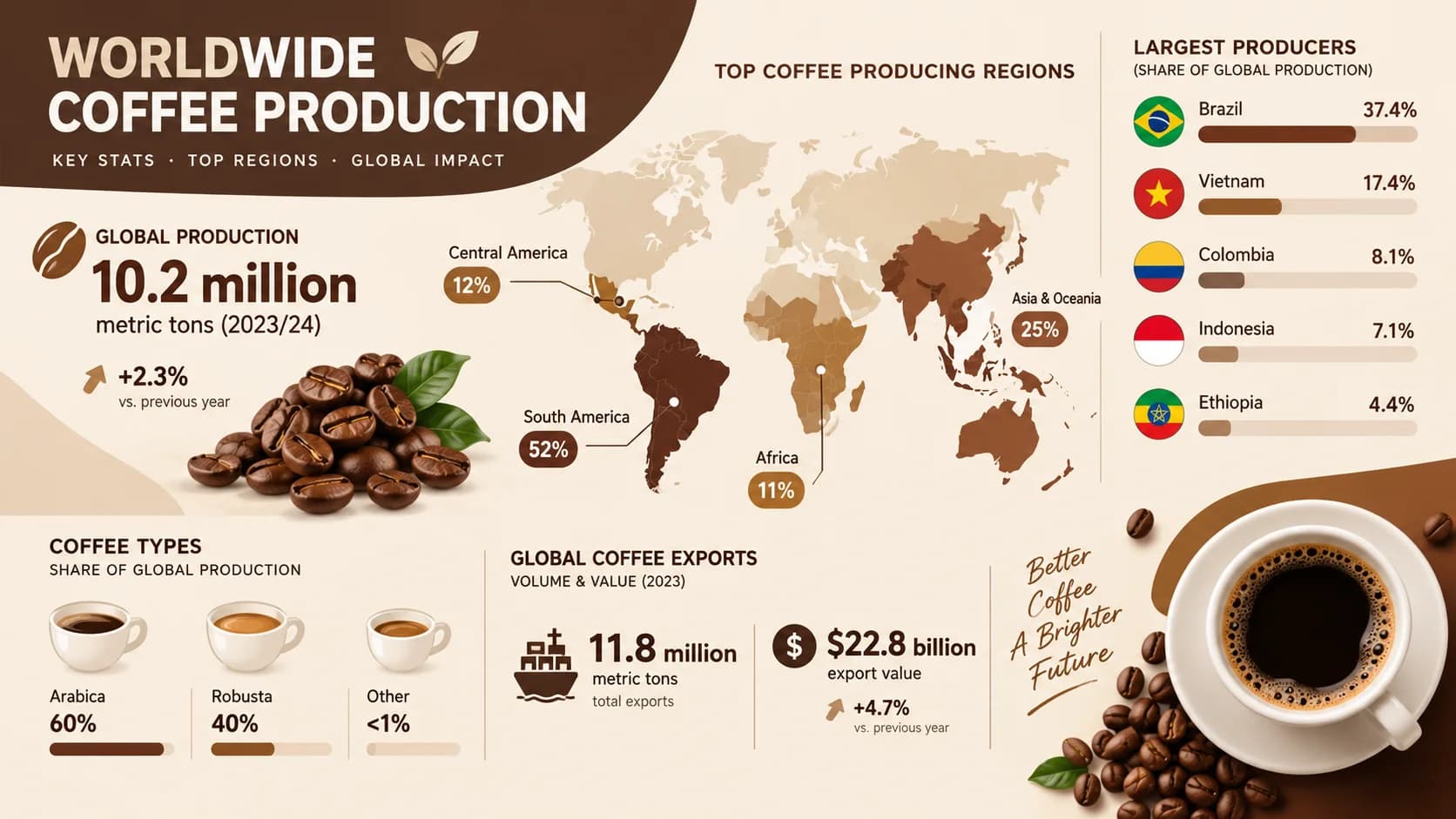
Coffee Production Worldwide
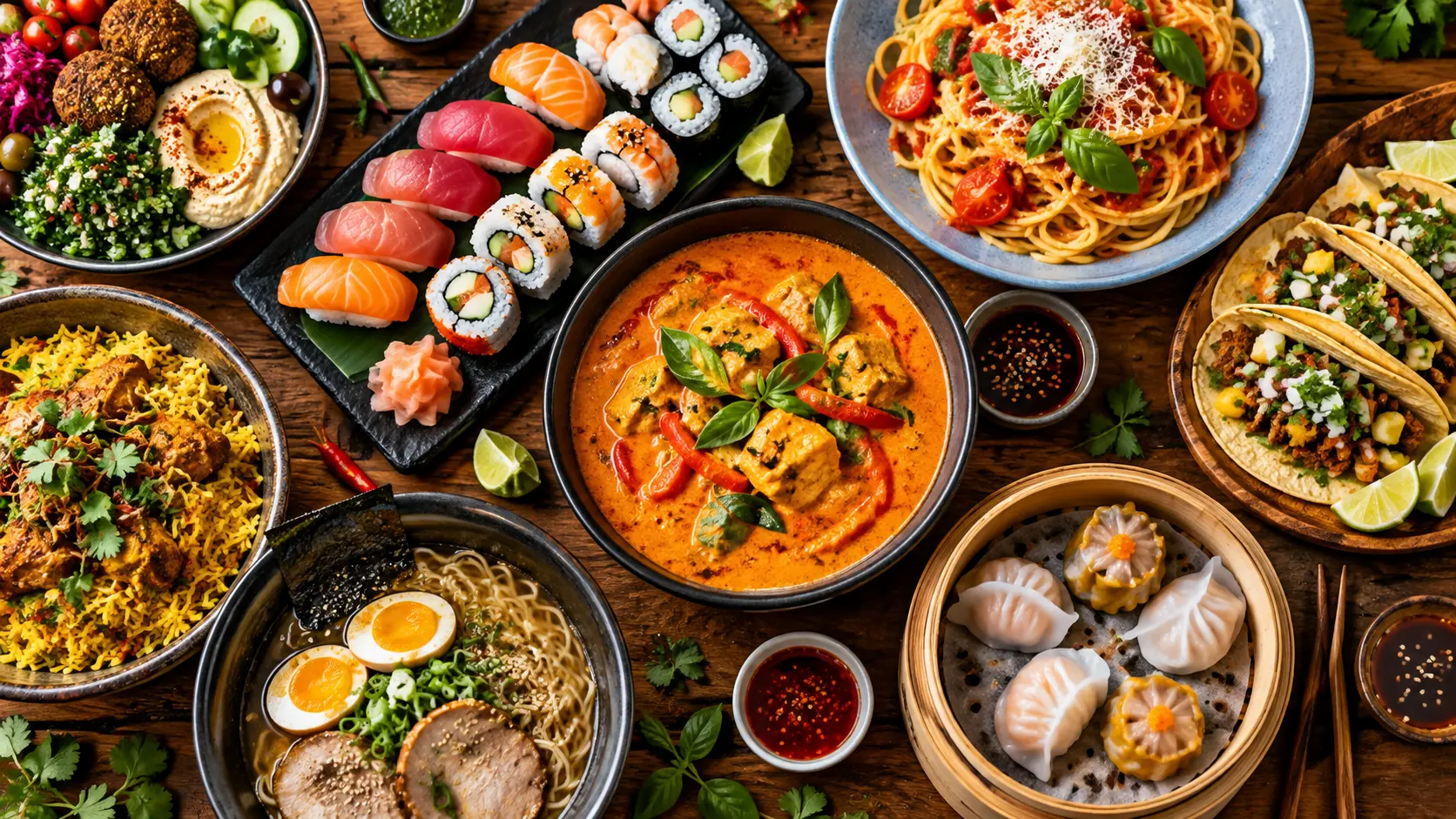
World's Most Popular Cuisines Ranked
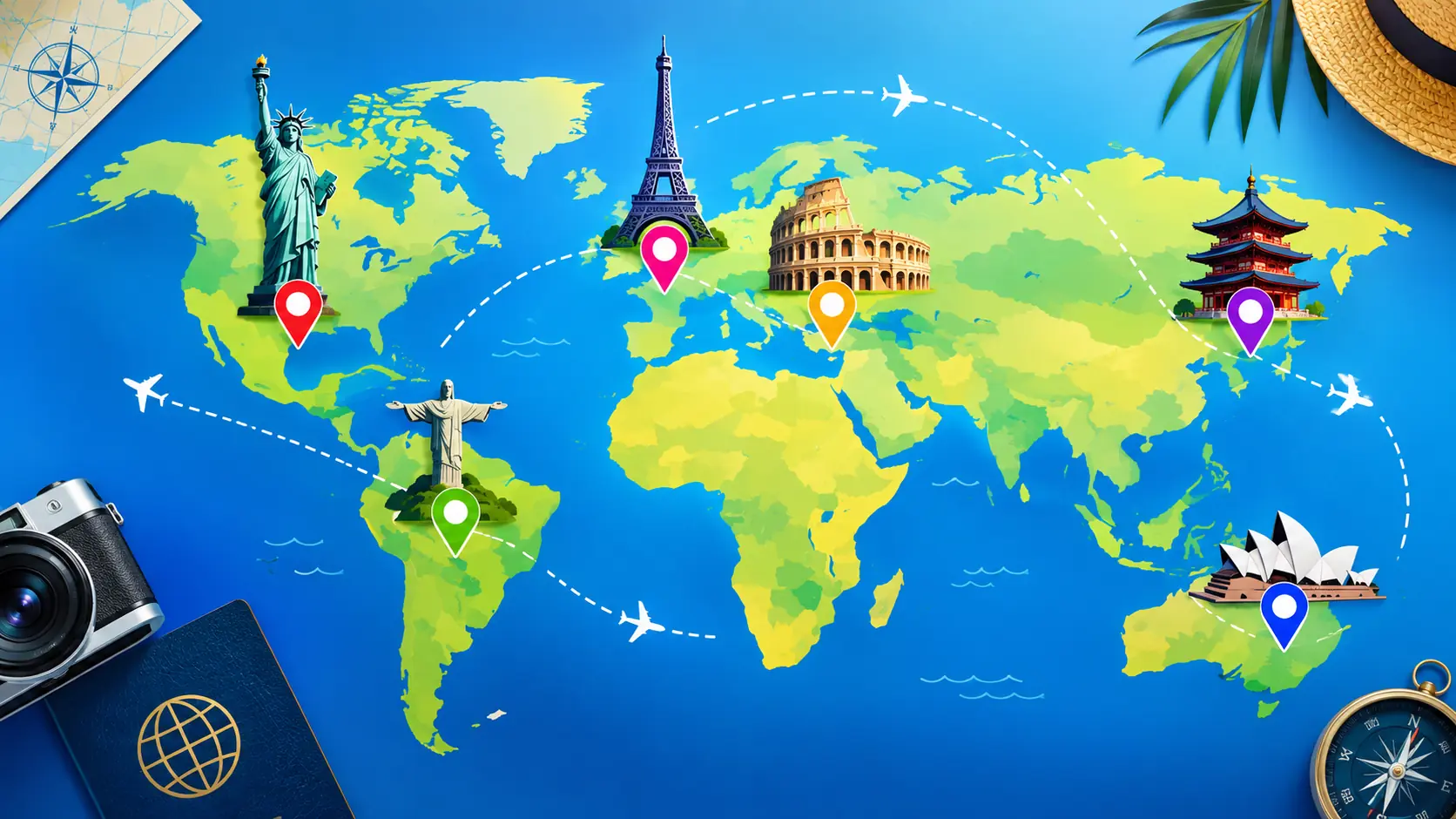
Most Visited Countries in the World 2026
More in the gallery: Food & Cuisine, Travel & Geography
Questions
What size should a Pinterest infographic be?
Pinterest recommends a 2:3 aspect ratio for pins, for example 1000 x 1500 pixels. MakeInfographics.ai uses 2:3 by default, and you can switch to another shape under Shape on the create page.
Can I use the infographic commercially?
Yes. Infographics you create with MakeInfographics.ai are yours to use for personal and commercial purposes. See the content license for the details.
Do I need an account or a credit card to try it?
No. Every new device gets 3 free generations with no sign-up and no watermark. Plans and credit packs are only needed if you want more.
See the content license and pricing.
Keep reading
Make your first one now
Describe the topic, pick a style and download the result.
Start creatingSecure checkout by Waffo · Cancel any time · Failed generations are refunded